Picking the right visual chart for your data.
Data visualization is about making sense of facts, numbers, and measurements. To turn numbers into knowledge we must understand our data and present it in the right way.
- Identify your target audience.
- Make sure your data is clean.
- Select the right chart.
- Label your chart effectively.
- Emphasize the important points.
- Format your chart for accessibility.
- Make use of color.
- Ensure your data is readable in any format.
- Comparison
- Composition
- Distribution
- Relationship
Firstly, to determine which chart is best suited for each of those presentation types, you must ask these questions:
Use charts when you want to visually compare one or more value sets as they can graphically show high and low values in them. To create a comparison chart you can use:
- Bar chart
- Pie chart
- Line chart
- Scatter plot
- Marimekko chart
This type of chart can be used to show how individual parts make up the whole of something. To create a composition chart you can use:
- Pie chart
- Donut chart
- Stacked bar
- Area chart
- Treemap
Outliers, the normal tendency, and the range of information in your values can all be visualized using distribution charts. To create distribution charts you can use:
- Line chart
- Bar chart
- Marimekko chart
- Scatter plot
Relationship charts can be used to show how a variable has negative, positive, or no effect on another variable. To create distribution charts you can use:
- Line chart
- Scatter plot
- Bubble chart
- Heatmap
- Marimekko chart
- Venn Diagram
Color may be utilized to stylize chart data to:
- Highlight specific values
- Display quantity
- Represent categories
- Express meaning
Although your application may have various use cases for different types of color, we recommend you account for accessibility when choosing them. The following recommendation contains a color-blind safe palette designed to be accessible to 3 different types of color blindness.
Never rely completely on color to showcase your data. Always use a label or a universally recognized icon** to support it.**

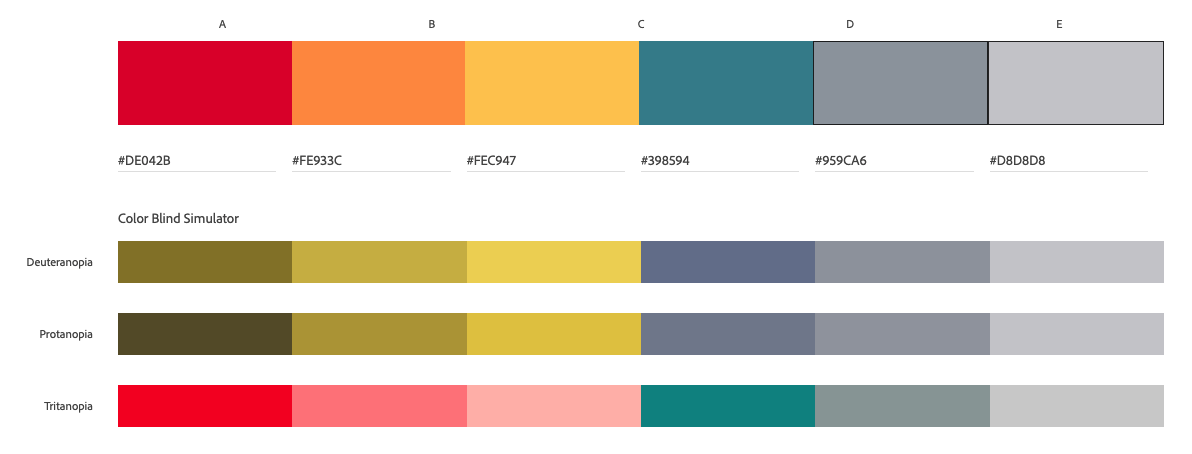 Color blind safe palette.
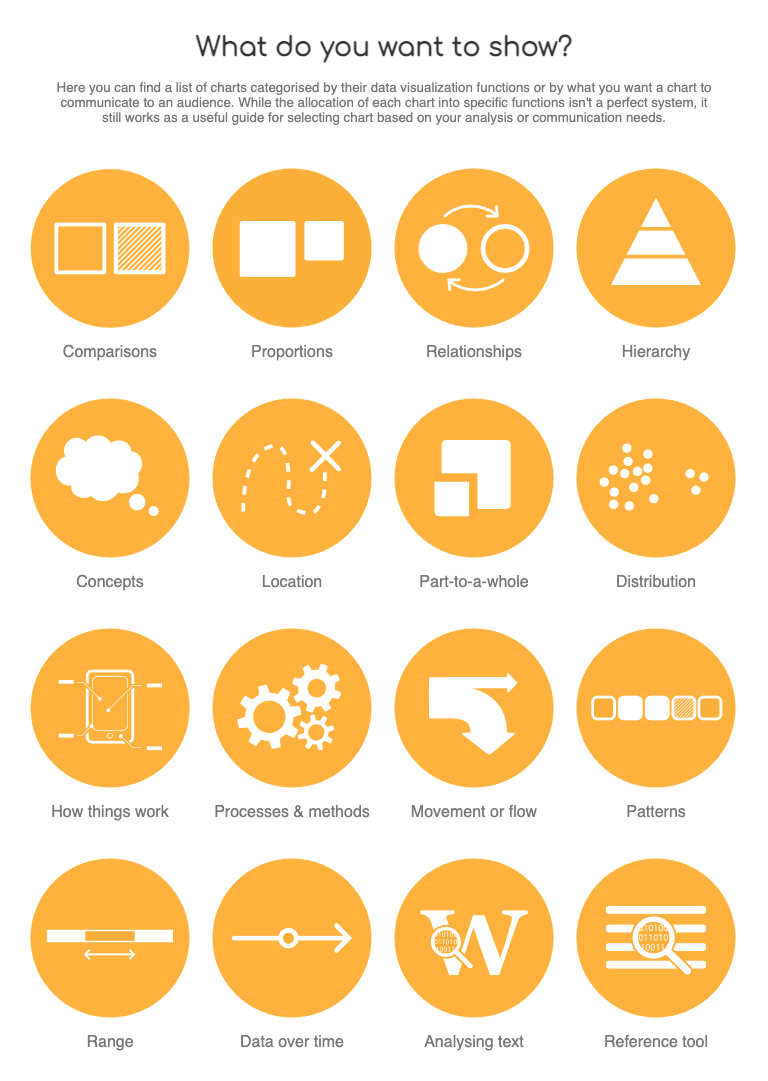
For a more complete reference guide on selecting and understanding chart types and functions, visit the Data Visualization Catalog.
We would like to get your feedback. Tell us how you use this component in your projects and how we can improve it.