A message to users when there is nothing to show.
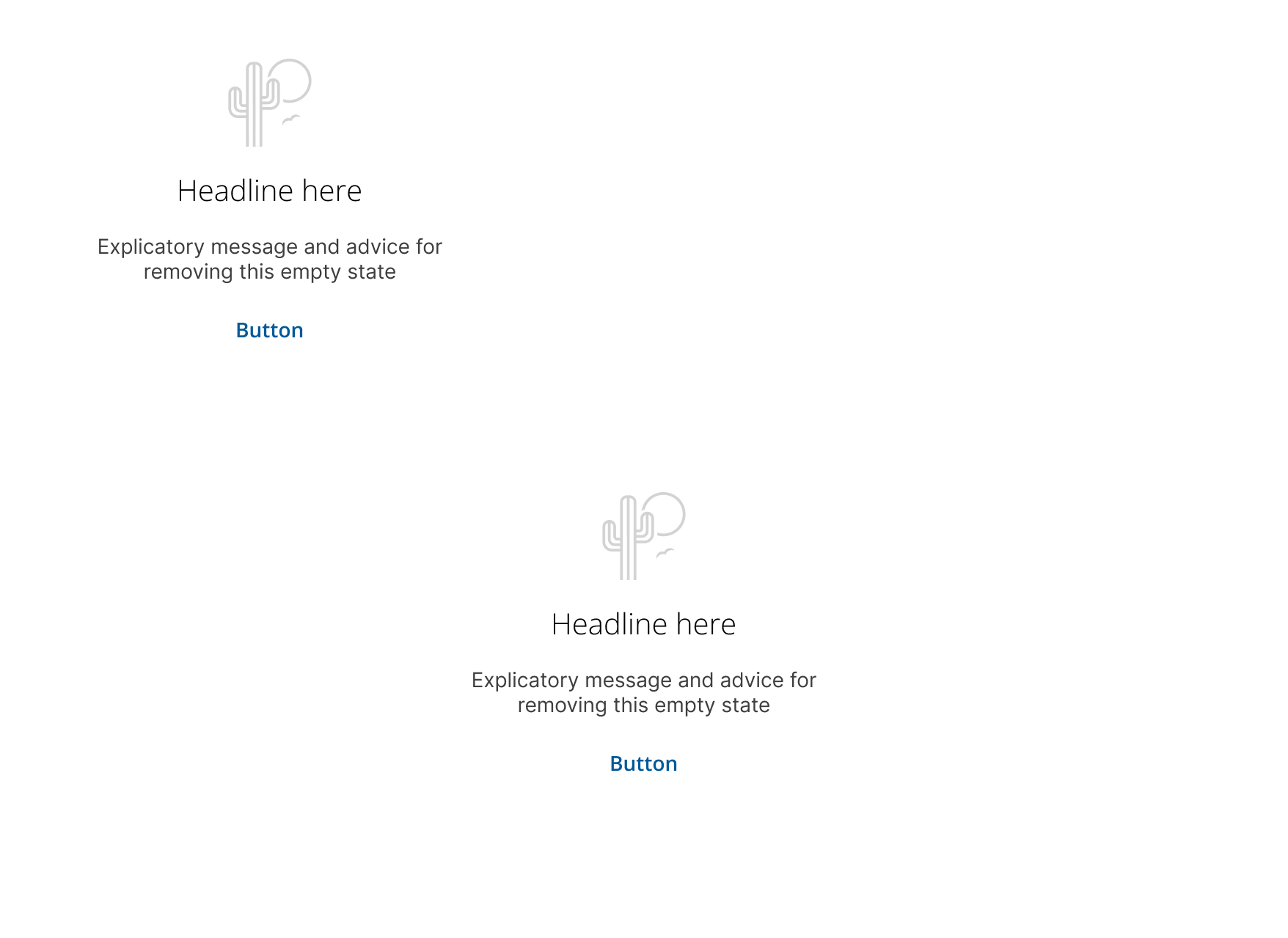
To enhance user experience by guiding users when no content is available, display messages to encourage user interaction and guide them towards resolving the empty state.
- Deploy: On screens or containers lacking content.
- Encourage: User interaction with clear calls to action.
- Guide: Users towards resolving the empty state with actionable steps.
- Onboarding: Assist new users in navigating the product.
- Interaction: Prompt users to engage with tasks or UI elements.
- Error Alerts: Avoid using as a substitute for error messages.
- No Results: Use alternative messages for "no results" scenarios.
- Browser Errors: Not a replacement for 404 or 500 error pages.
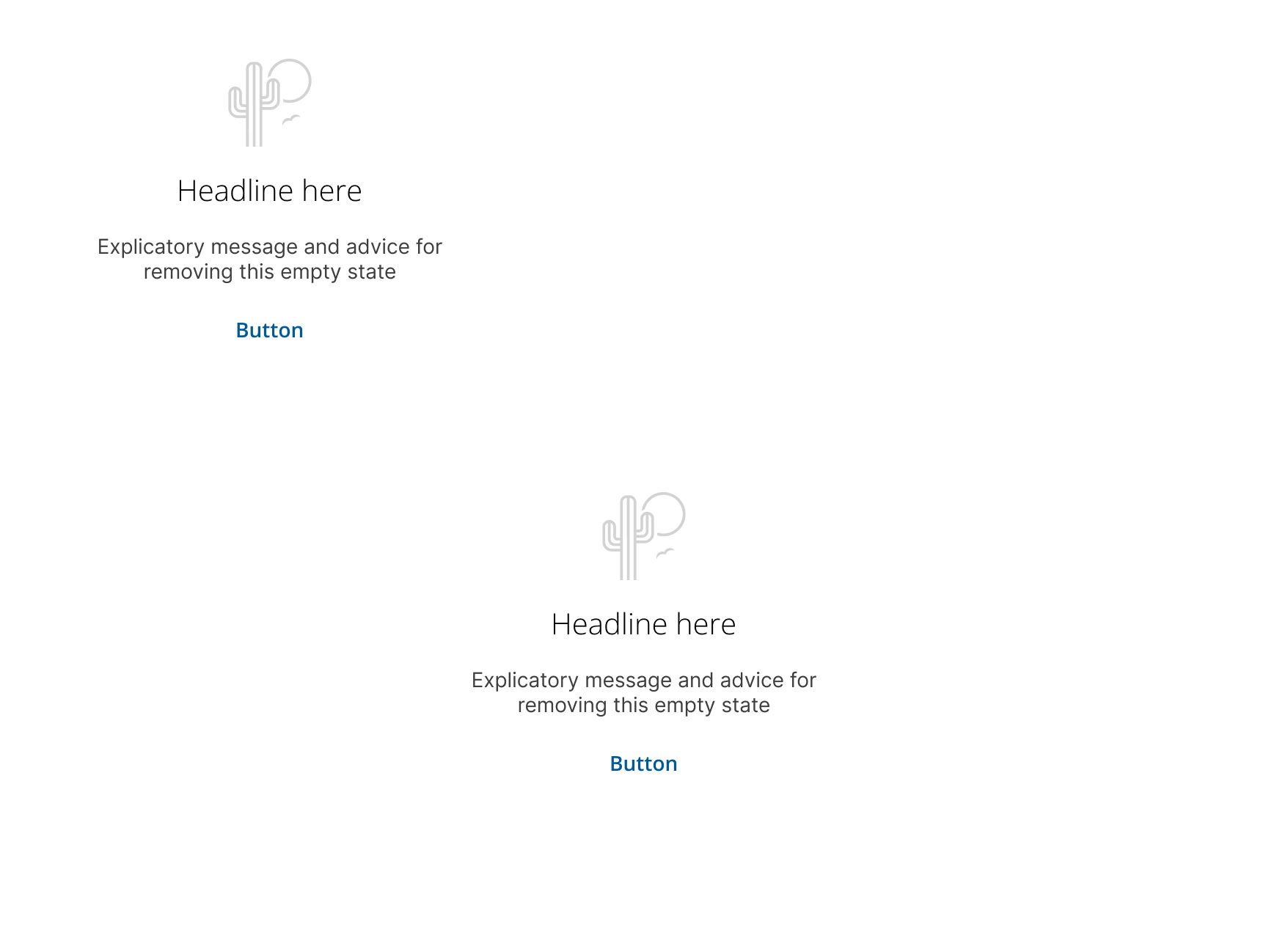
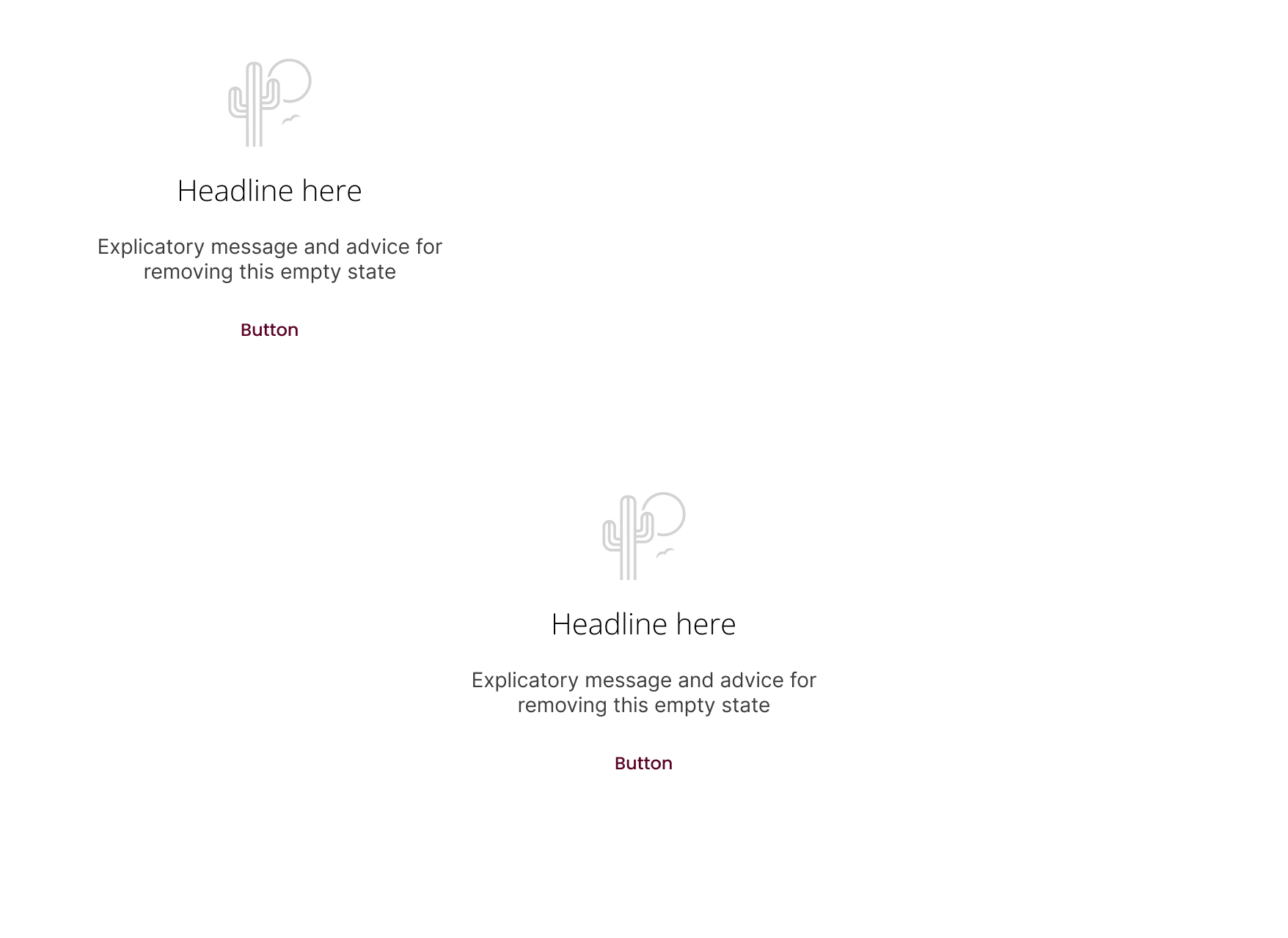
- Elements: Headline, body text, and call-to-action.
- Writing & Tone: Use inclusive language like "we", "our", and "you".
- Headline: Clearly convey the main message, e.g., "It's kind of empty around here".
- Body Text: Provide details and engage users, e.g., "All your messages will be displayed here".
- Call-to-Action: Offer a logical next step with a link or button.
- Links: Direct users to relevant sections, tutorials, or support pages.
- Order & Alignment: Center the empty state within its container or align it near the relevant action.
- Overflow Rules: Ensure messages are concise to avoid truncation. Avoid scrollbars in empty state containers.
- Feedback: Encourage users to provide feedback on their experience with the component.
- Ensure: Text is readable and actions are easily accessible.
- Provide: Descriptive text for screen readers and ensure keyboard navigability.
- Error Alerts: For displaying error messages.
- Loading Indicators: To show progress when content is being fetched.
- Notifications: For updates and alerts outside of empty states.
Platform:
Theme: