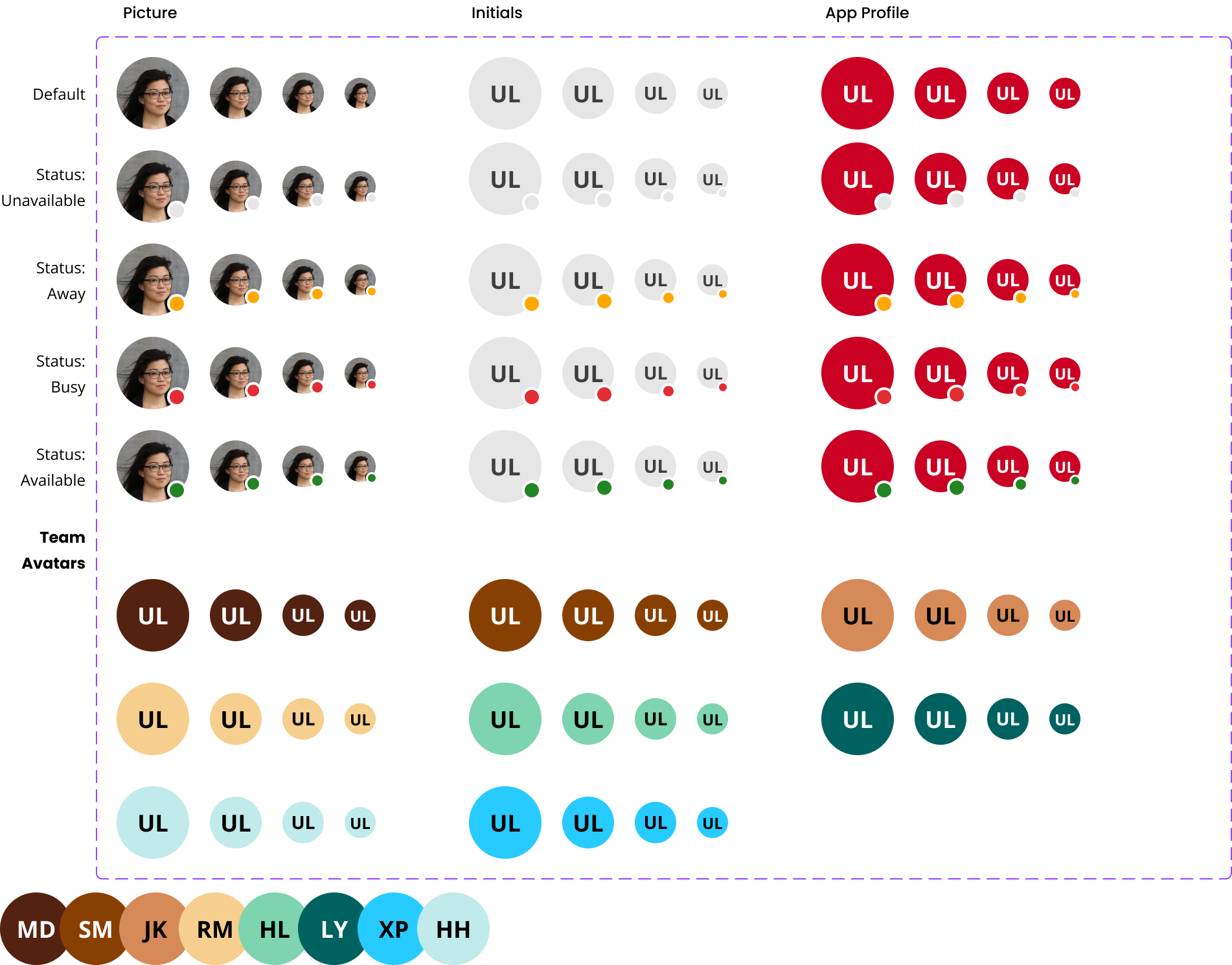
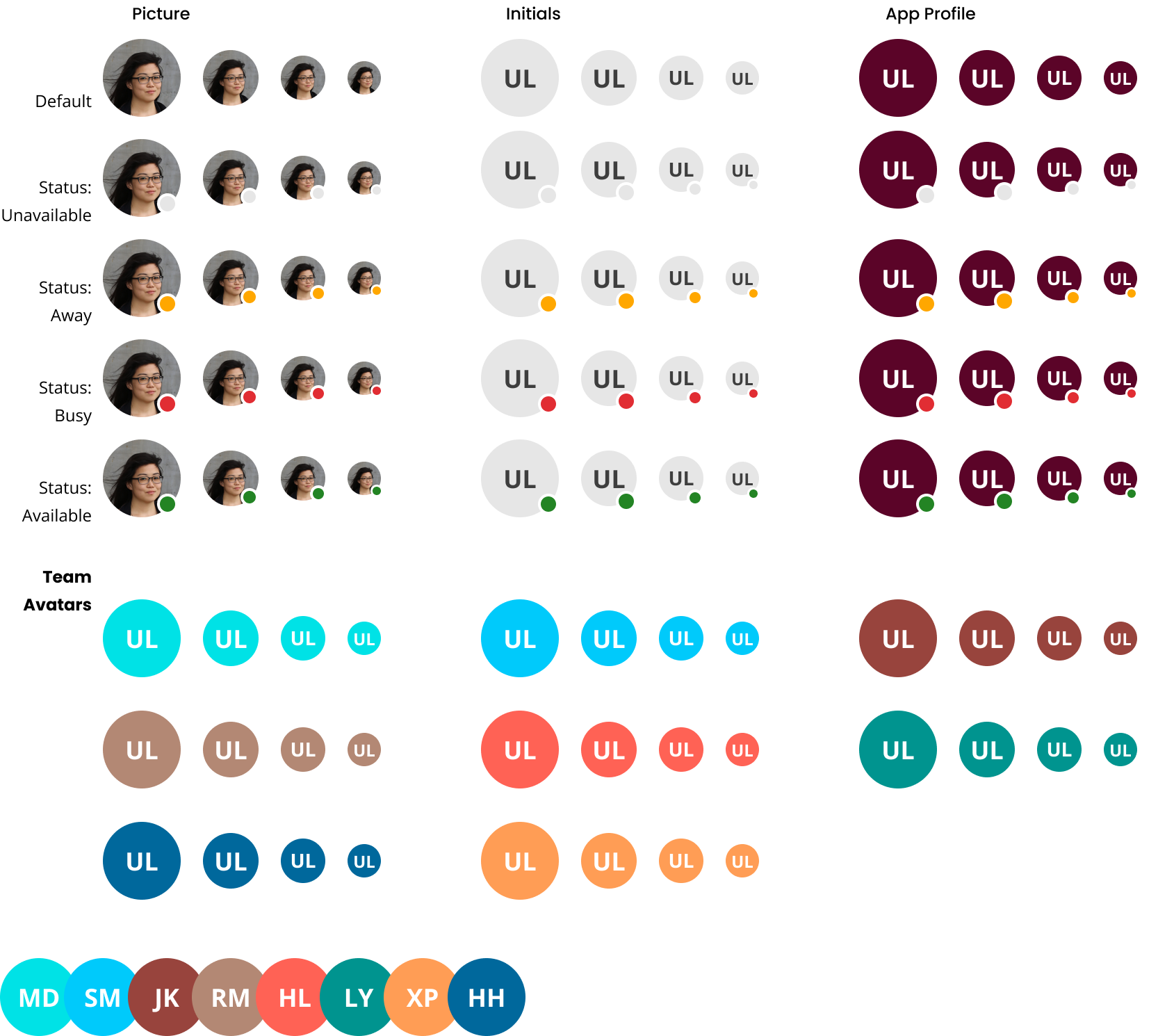
A graphical representation of an entity or persona.
Use an avatar as a graphical portrayal of a user or an entity through a profile image, icon, or string with initials.
- Circular avatars represent a user;
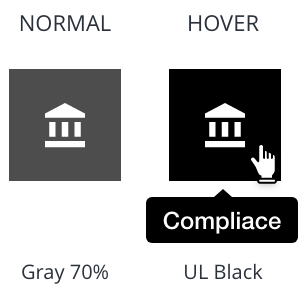
- Squared avatars can be used to represent an entity.
User
- With profile image

- Without a profile image (fallback with initials)

Entity

By default, a user avatar with initials uses Gray 20%** as the background and** UL Black** as the foreground.
An entity avatar uses Gray 70% as the background and UL White as the foreground.
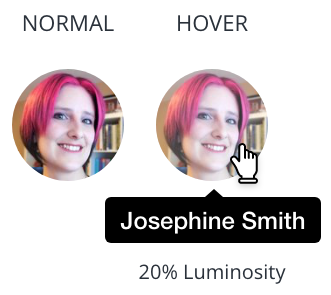
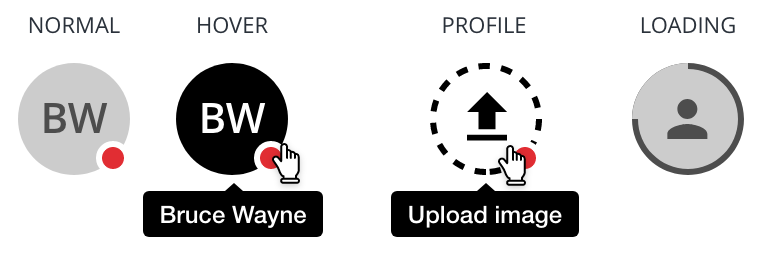
All avatar types must include a tooltip displaying their full content.
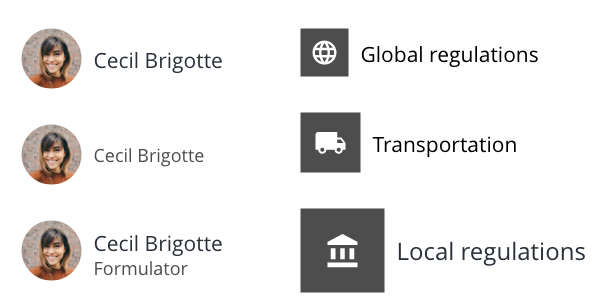
An avatar should always be to the left of its title.
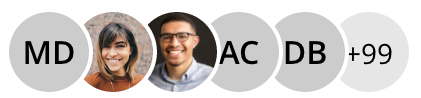
Small and medium avatars can be stacked to form a group of up to 5 avatars.
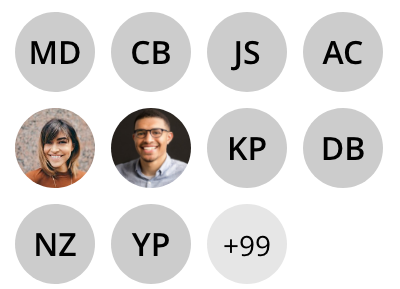
Use a grid of up to 10 avatars for larger containers.
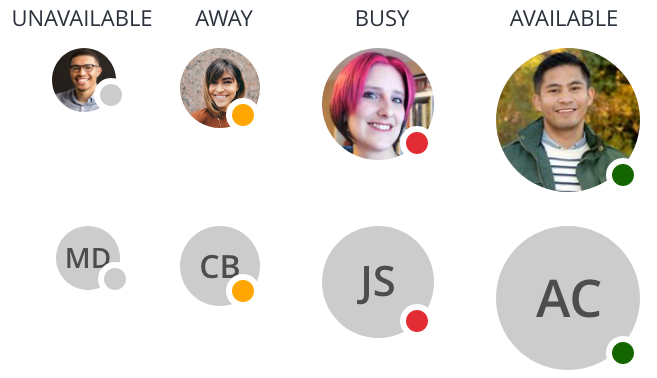
Combine an avatar and an empty color badge to show a user's status.
Truncate long text with an ellipsis to fit a small container while moving the full content into a tooltip.

- Prefer a profile image for UL team members providing online customer support through chat, email, or knowledge bases.
- Use
alt="Person’s name"if the avatar represents a person - Use
alt="Entity's name"if the avatar represents an entity - When an avatar is displayed next to the user´s name or entity, it is not necessary to include an
alttag - If src fails to load, apply
aria-labelwith provided name androlewith 'img' to root div element.
We would like to get your feedback. Tell us how you use this component in your projects and how we can improve it.