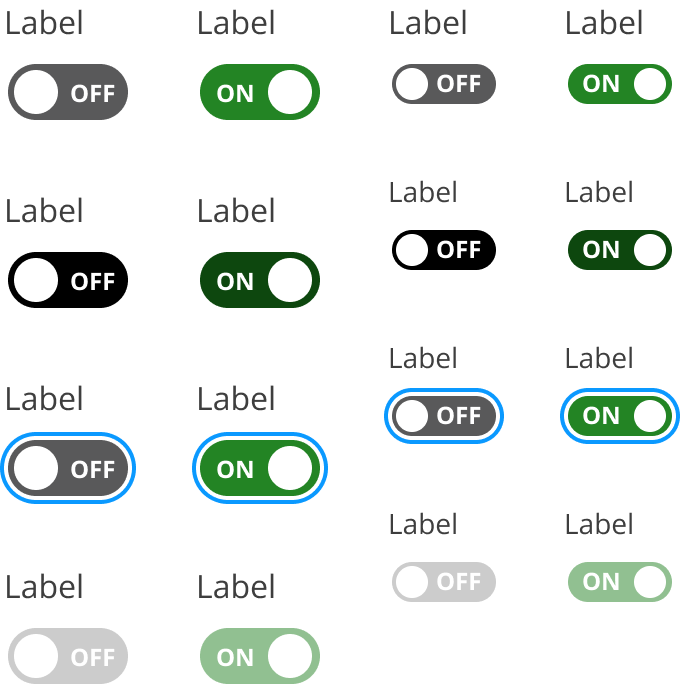
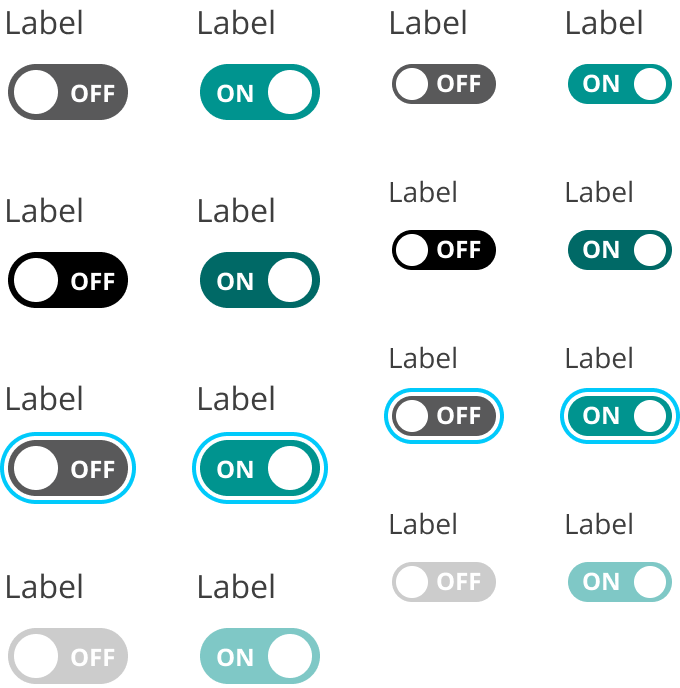
A toggle control for selection on / off
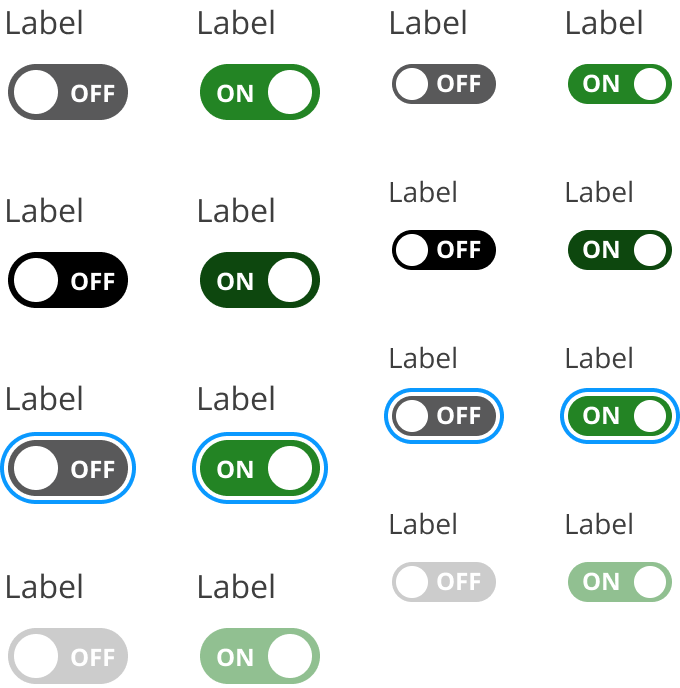
Switches allow the user to toggle between two states, typically on/off.
- Integrate: Use in settings where binary choices are needed.
- Update: Reflect changes immediately upon user interaction.
- Display: Clearly indicate the current state.
- Binary Choices: Ideal for settings with two distinct options.
- Immediate Feedback: Provide instant visual confirmation of state change.
- Settings: Use in preference panels or configuration menus.
- Multiple Options: Avoid when more than two choices are available.
- Complex Actions: Not suitable for actions requiring confirmation.
- Non-Binary States: Use alternatives for multi-state scenarios.
- Track: Background area indicating potential states.
- Thumb: Movable element showing current state.
- Label: Optional text describing the switch function.
- Responsive: Adjust size and layout based on container dimensions.
- Animated: Smooth transitions between states.
- Click/Touch: Toggle state with a single action.
- Drag: Move thumb to change state.
- Aria Attributes: Use aria-checked for screen readers.
- Contrast: Ensure sufficient contrast between track and thumb.
- Text Alternatives: Provide descriptive labels for context.
- Checkboxes: Use for multiple selections.
- Radio Buttons: Consider for exclusive choices among multiple options.