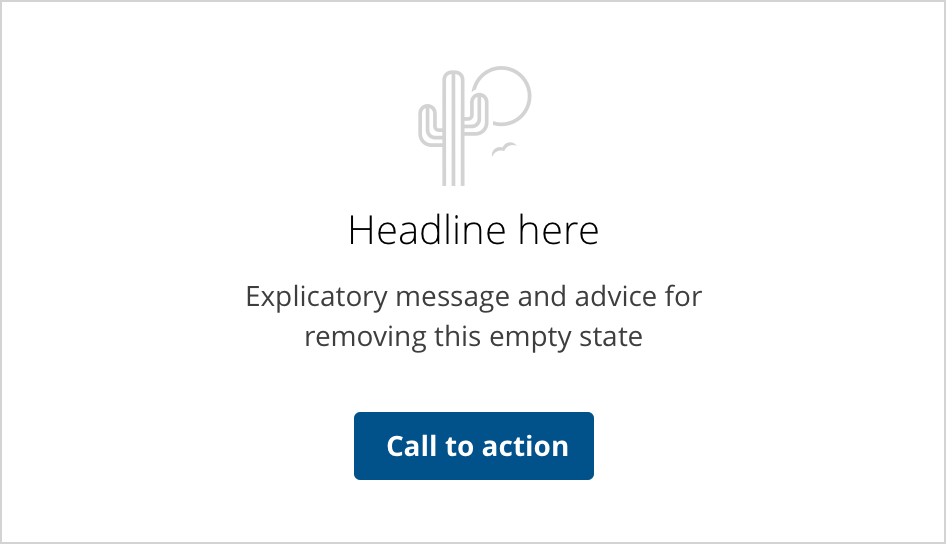
A message to users when there is nothing to show.
The goal of an empty state is to improve the user experience of your product, from onboarding to encouraging users to interact with it.
Empty states or zero-data states are messages displayed to users when there is no content to show.
- Use on screens or containers that are not filled with any information.
- Use to encourage interaction with the task or UI.
- The call to action should always take the user on a path to resolve the empty state.
- Do not use it as a replacement for an error alert.
- Use alternative messages to communicate "no results" use cases.
- This component is not a substitute for browser error pages (404, 500, etc).
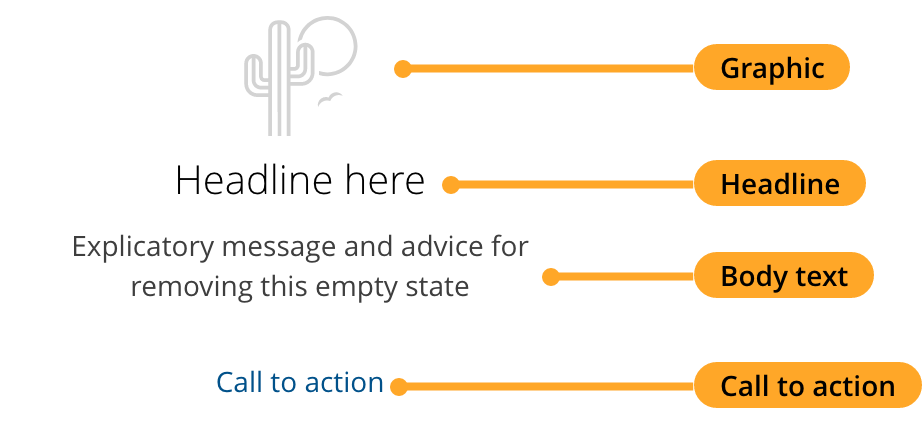
Use “we”, “our” and “you” to create a sense that we are speaking directly to our customers.
- The headline should convey the main message of the empty state, e.g. "It's kind of empty around here".
- The body text should add details and engage the user, e.g. "All your messages will be displayed here".
- Provide the user with the most logical action that can be taken with a call-to-action link or button.
The link in the call to action should lead the user to:
- A specific section on a page
- Launch a tutorial/video
- A help or support page
- Plain text documentation that points to a solution.
Ideally, an empty state should align vertically and horizontally in the middle of its container. In some cases, you may align the empty state component closer to the action or task that must be performed in order to dismiss it.
The empty state message should be short yet descriptive enough but not so much as to cause the need for truncation.
A container with an empty state should never contain a scrollbar.
We would like to get your feedback. Tell us how you use this component in your projects and how we can improve it.