Provide additional information about the UI through tooltips.
Tooltips provide complementary information for an element on a mouse hover or keyboard focus action. They are an important part of creating a good usability pattern so use them consistently thought.
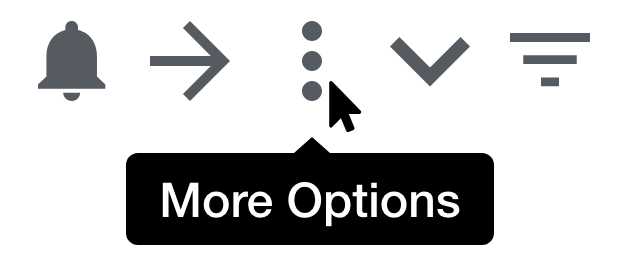
Tooltips can be attached to:
- Icons
- Text links
- Buttons
- Menu items
Because tooltips are initiated by a hover gesture generally requiring the use of a mouse, use popovers for touchscreen devices.
- Avoid using a tooltip position that obscures other elements or hides the tooltip. Position guidelines
- Tooltips should not display information vital for completing a task.
- Don't display redundant information in the tooltip.
- Don't display long text information on a tooltip.
Use “we,” “our” and “you” to create a sense that we are speaking directly to our customers.
- Tooltips should contain** no more than 75 characters**;
- Meta information, such as help text and input examples, may be supplied to the user via tooltips;
- Use tooltips for short textual information attached to specific inline elements, like help for field inputs.
Tooltips show when a hovering specific inline element.
- Mouse cursor enters target area: display visual feedback within 0.1 seconds;
- The tooltip displays as long as the cursor is over the specific element;
- Tooltips fade after the cursor has left the specific inline element.
Used for most cases, the default tooltip uses a strong contrast.
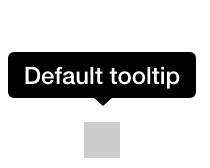
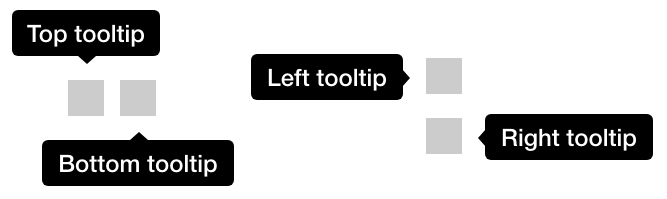
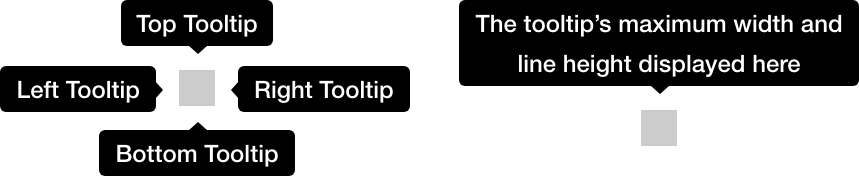
There are four possible positions: top (default), bottom, left, and right. Depending on the position the target object is relative to the screen, you might want to change the position the tooltip is in to ensure it is readable.
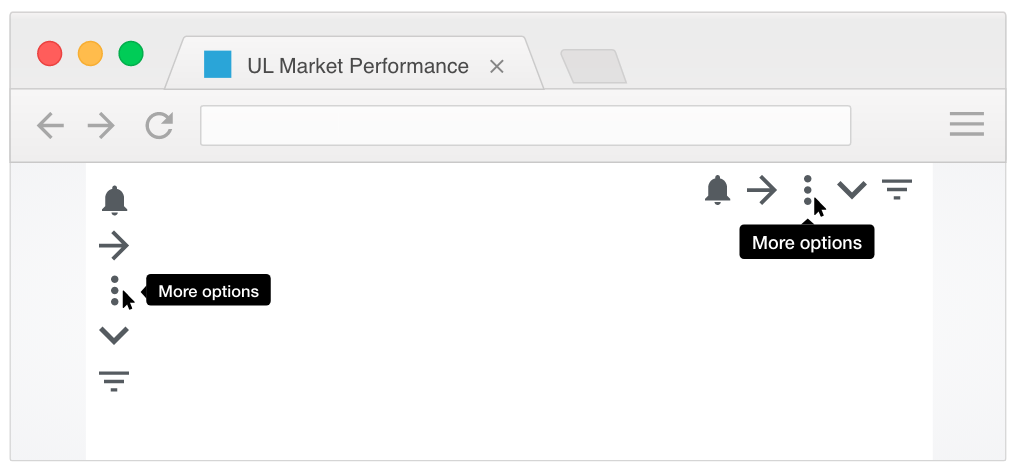
- Use tooltips consistently throughout your design/application.
- Always provide tooltips for unlabeled icons.
- Do not use tooltips to provide help about a section or item. Consider using a popover for that.
Because tooltips are initiated by a hover gesture generally requiring the use of a mouse, use popovers for touchscreen devices.
Include ARIA attributes in the trigger and display elements.
- Support both mouse hover and keyboard focus;
- The element that serves as the tooltip container has
role=tooltip; - The element that triggers the tooltip references the tooltip element with
aria-describedby.
We would like to get your feedback. Tell us how you use this component in your projects and how we can improve it.
See popover's behavior specification on the floating trait that tooltips have.