The entrance door to any application and a reflection of the brand.
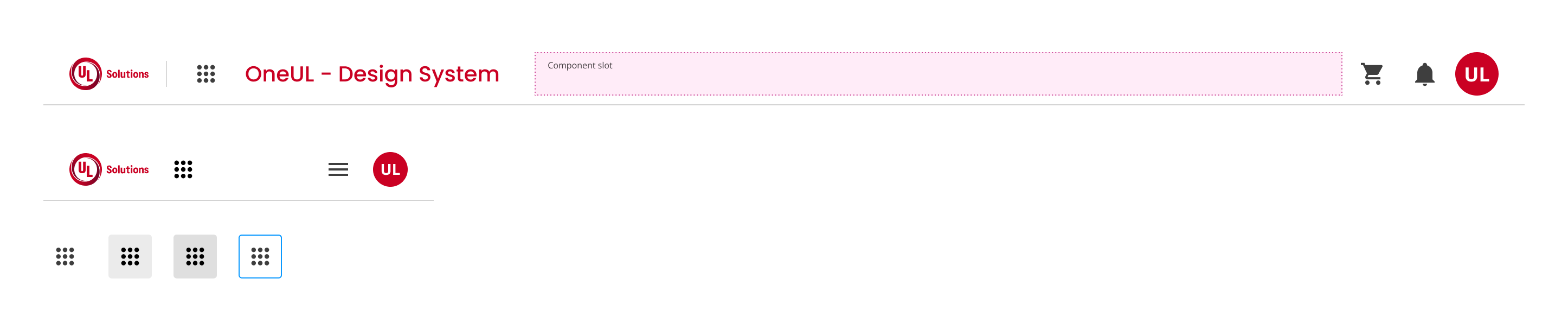
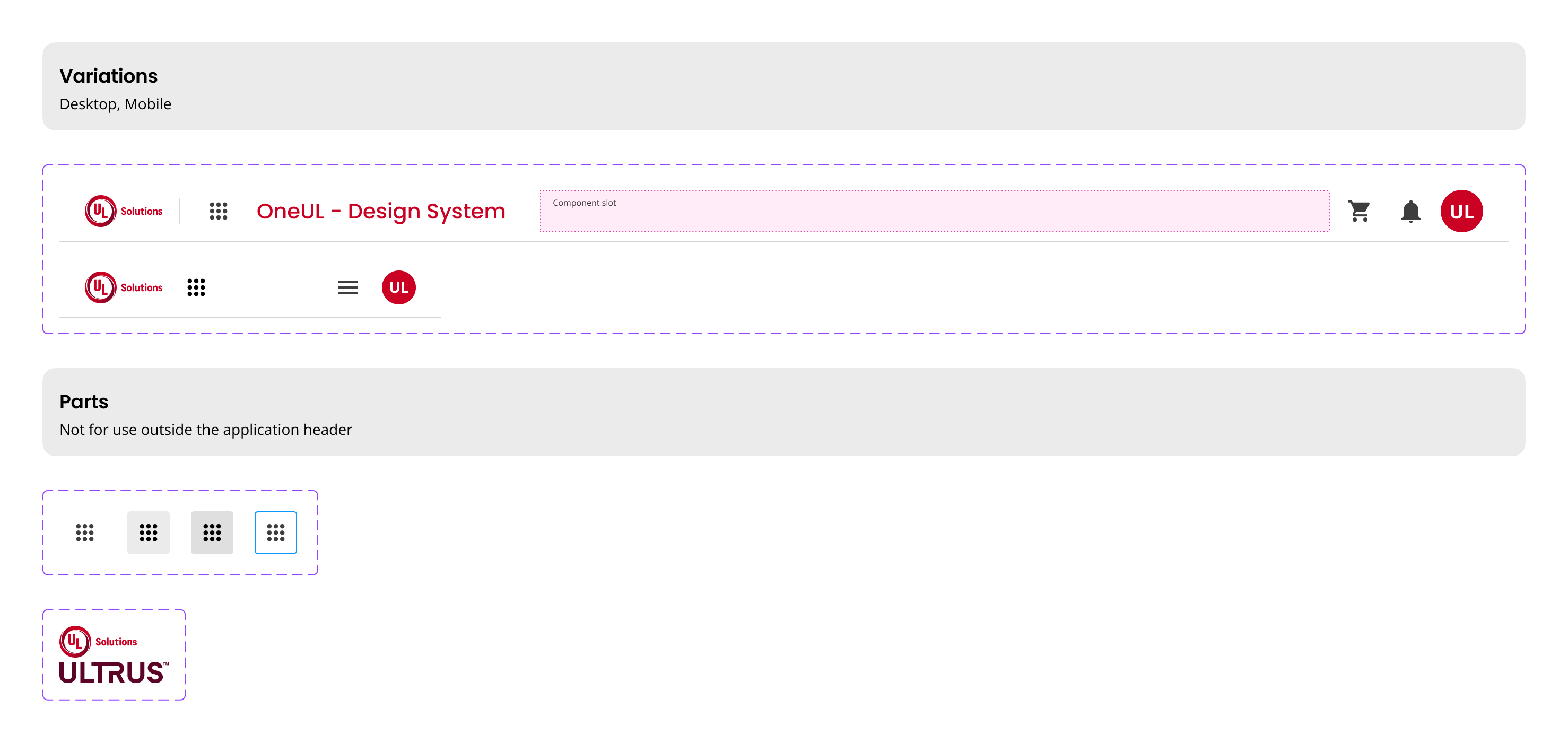
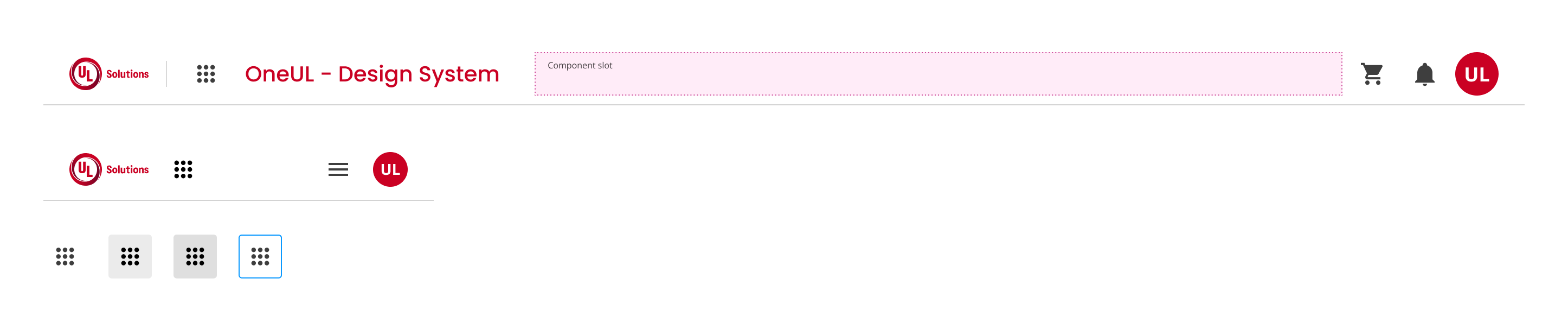
The header the entrance door to any application. It reflects the company's main brand message, it identifies the product and it is often the starting point of many experiences within the application.
Our header aims to bring UL applications together by a common theme and unique components such as global notifications, application connectivity, and identity.
- Implement: Place at the top of the application for consistent branding.
- Include: Add company logo, product name, and global actions.
- Navigate: Use the navigation bar for application-specific links.
- Branding: When a consistent brand presence is needed across applications.
- Navigation: To provide users with easy access to global actions and application links.
- Minimal Interfaces: Avoid in applications requiring minimalistic design without branding.
- Single-Page Apps: Not ideal if the application does not require global navigation.
- Elements:
- Company Logo
- Product Name
- Global Actions: Shopping Cart, Notifications, Settings, Profile Picture, Application Switcher
- Navigation Bar
- Trigger & Dismissal:
- Notifications: Click bell icon for dropdown of recent notifications.
- Application Switcher: Click matrix icon for dropdown of application links.
- Responsive Design:
- Use hamburger menu for small screens.
- Adjust product name font size to a minimum of 16px with Semibold or Medium weight.
- Ensure: All interactive elements are keyboard accessible.
- Provide: ARIA labels for icons and dropdowns.
- Contrast: Maintain sufficient contrast for text and icons.
- Footer: Complements the header by providing additional navigation and information.
- Sidebar: Offers an alternative navigation method for complex applications.
Platform:
Theme: