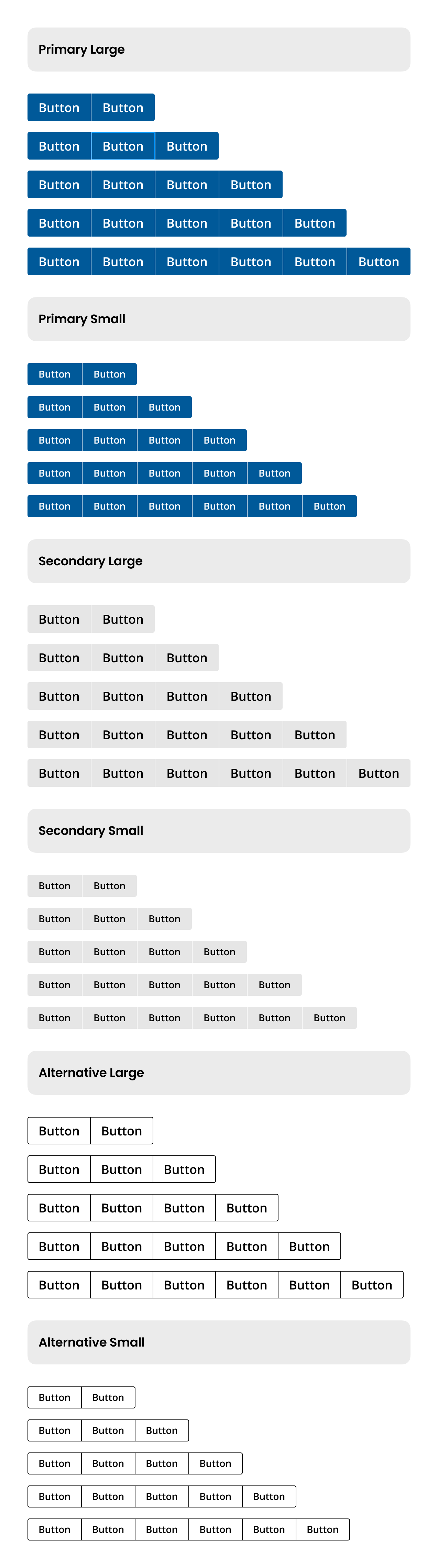
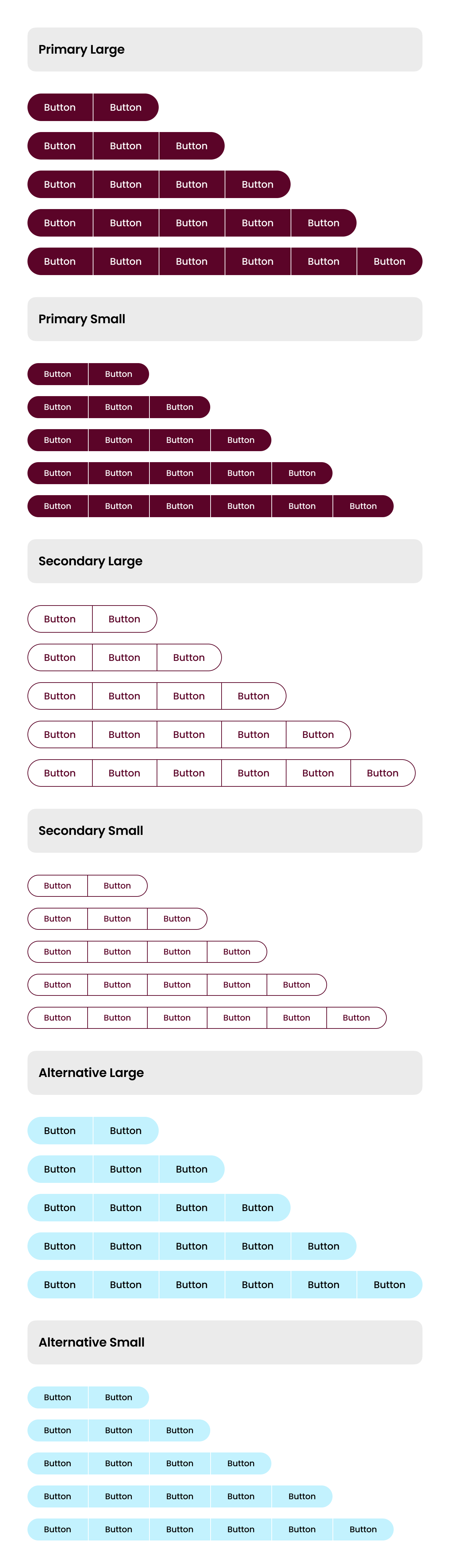
A useful way of aligning buttons that have a relationship. Group the buttons logically into sets based on usage and importance.
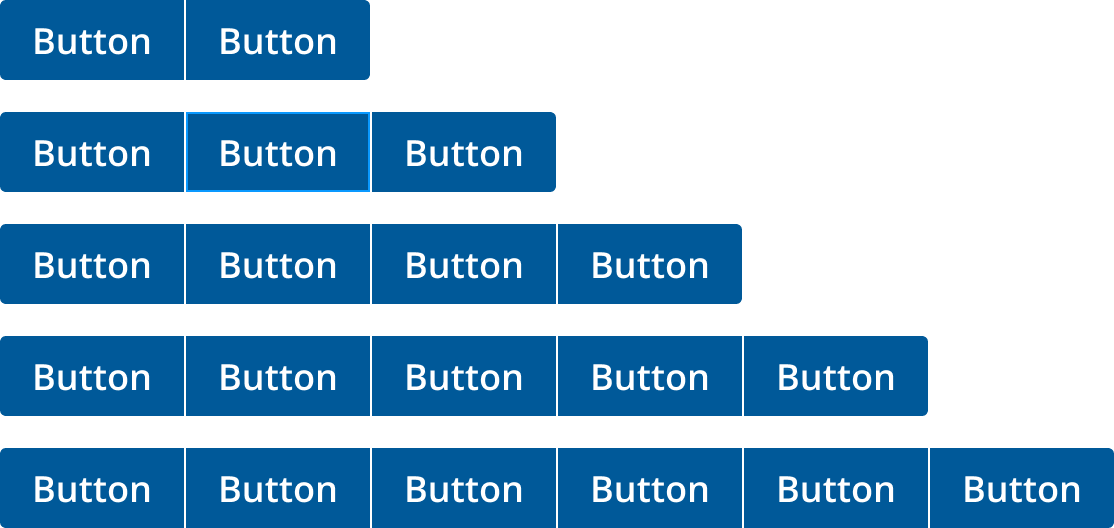
Button groups are essential for organizing related actions in a user interface. Properly structuring button groups enhances usability and prevents user confusion.
- Group Logically: Align buttons based on usage and importance.
- Limit Calls to Action: Avoid overwhelming users with too many options.
- Emphasize Correctly: Use a primary button with two lower emphasis buttons.
- Maintain Uniform Width: Ensure all buttons in a group have the same width.
- Align Horizontally:
- Left-align primary buttons on full-page designs.
- Right-align primary buttons in wizards/dialogs.
- Stack Vertically: Place the primary button on top in narrow layouts.
- Use Danger Styles: Apply distinct styles for potentially destructive actions.
- When organizing multiple related actions.
- When needing to emphasize a primary action among secondary ones.
- When a single action is required.
- When actions are unrelated and do not need grouping.
- Primary Button: Main action, visually distinct.
- Secondary Buttons: Supporting actions, less emphasis.
- Uniform Width: Consistent button size across the group.
- Logical Grouping: Enhance user experience by logically grouping buttons.
- Avoid Overload: Limit the number of calls to action to prevent confusion.
- Consistent Emphasis: Use a primary button with two buttons of the same lower emphasis.
- Avoid Mixing: Do not mix primary, secondary, and tertiary buttons in one group.
- Keyboard Navigation: Ensure buttons are navigable via keyboard.
- Focus Indicators: Provide clear focus states for each button.
- Descriptive Labels: Use meaningful labels for screen readers.
- Dropdowns: For actions that require additional options.
- Modals: When actions need confirmation or additional input.