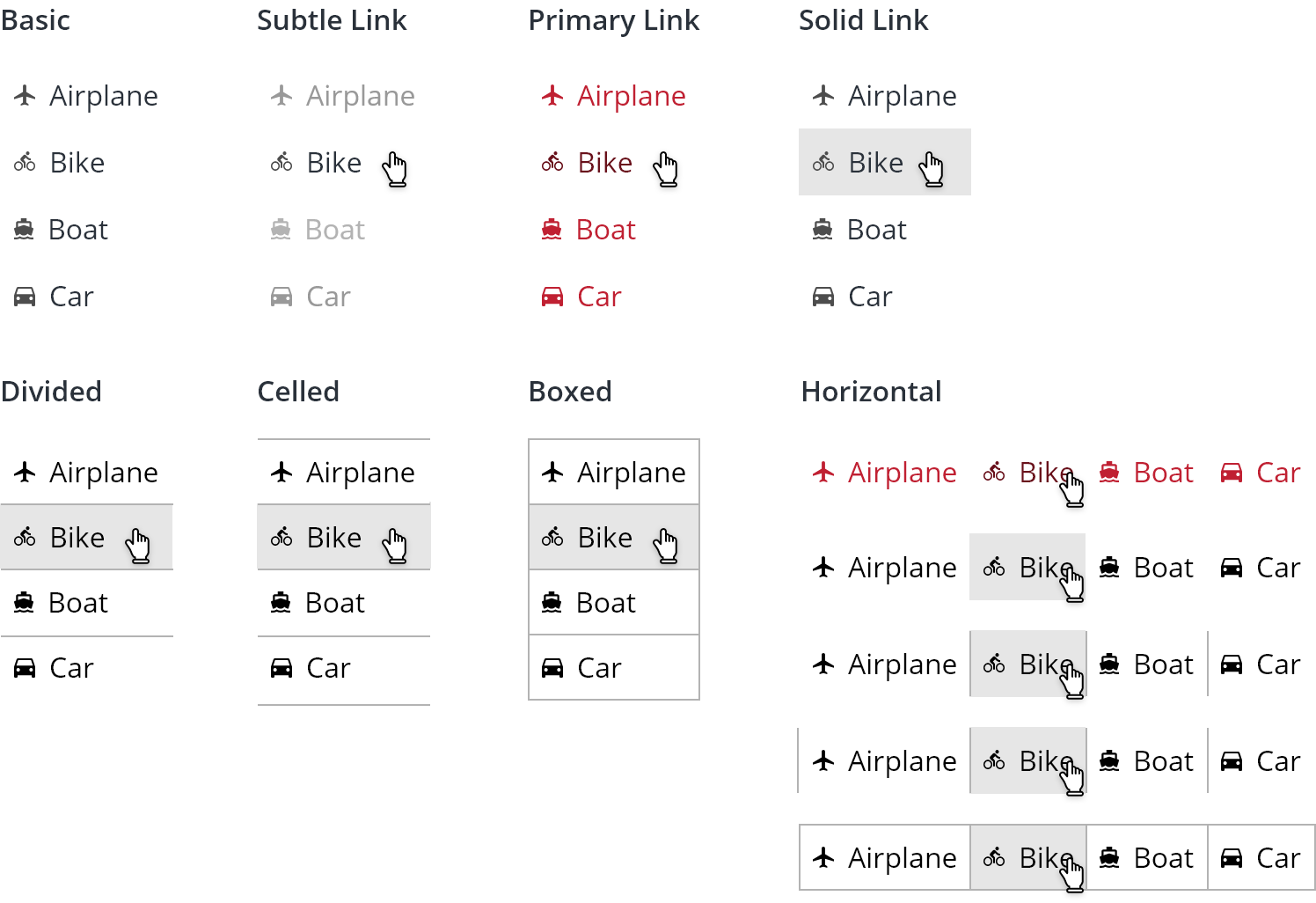
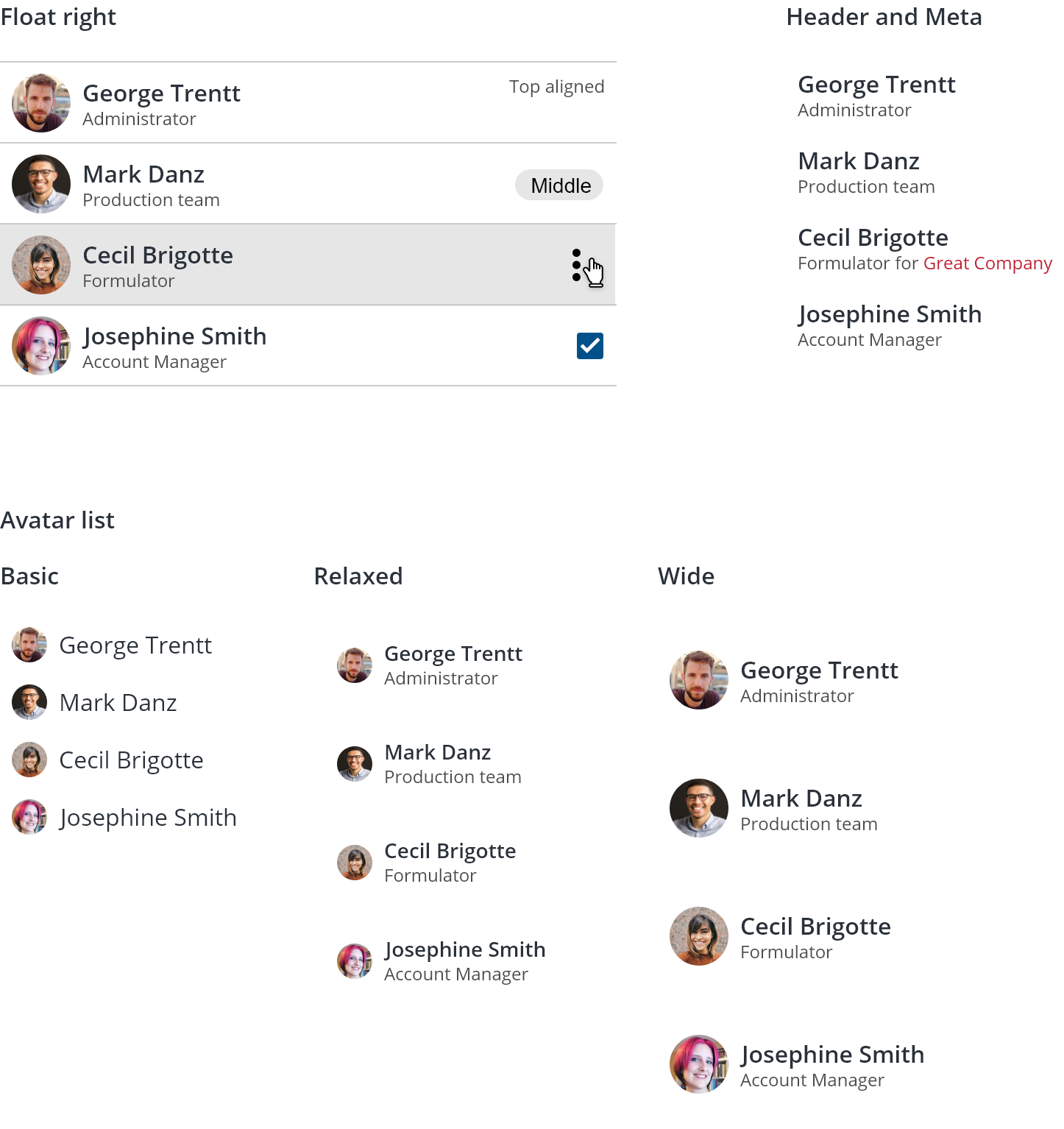
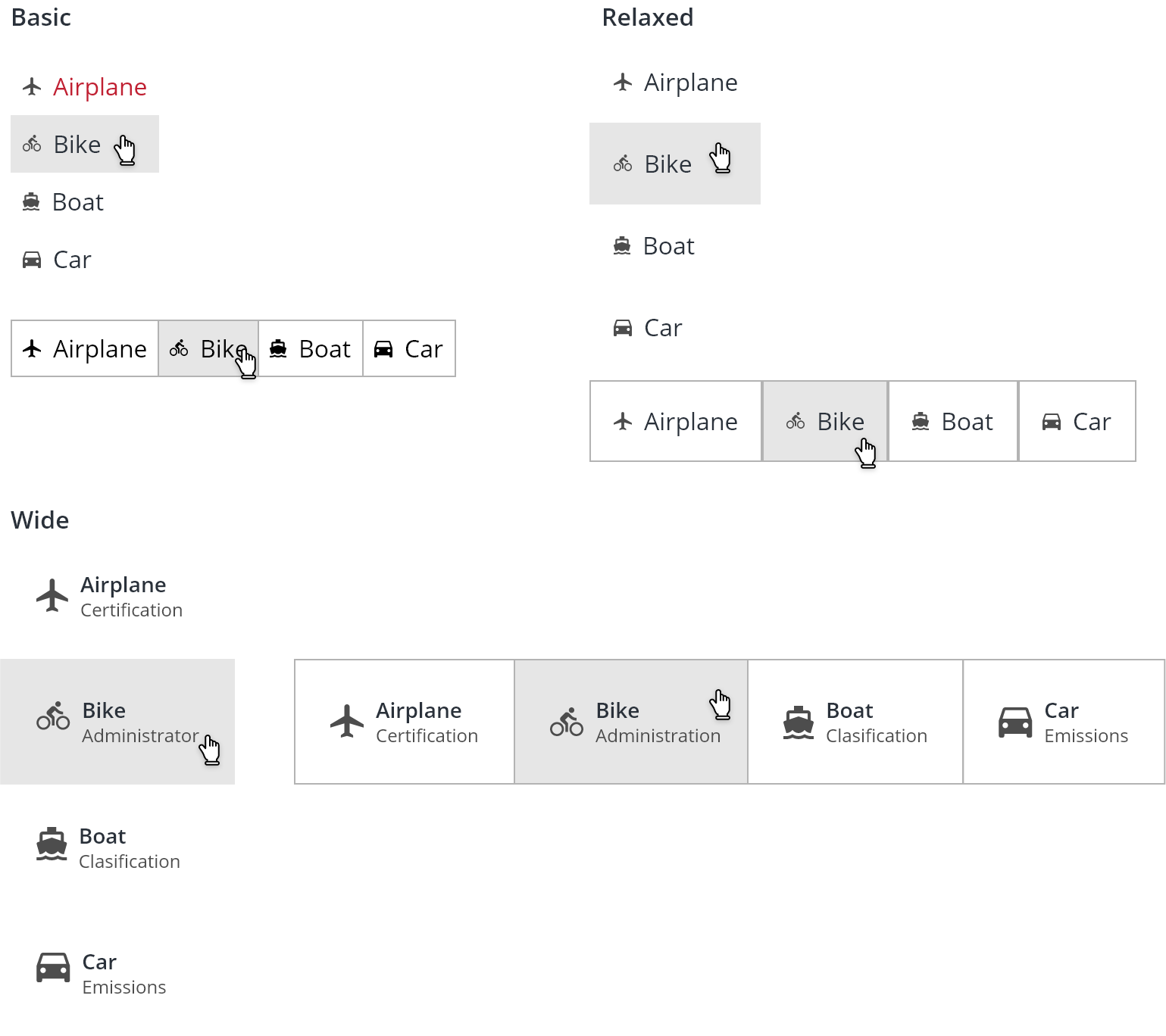
Display simple related content in a vertical or horizontal format.
Use a list to display simple datasets or create alternative navigation menus. Appropriate uses for a list are vertical or horizontal collections containing:
- Titles;
- Meta descriptions;
- Icons;
- Avatars;
- Images;
- Labels;
- Buttons;
- Radio buttons;
- …
For more complex data sets consider using a table instead.
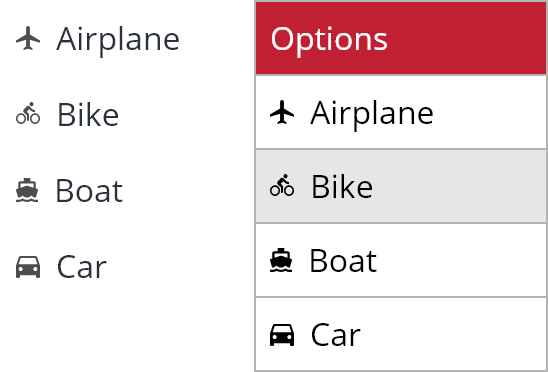
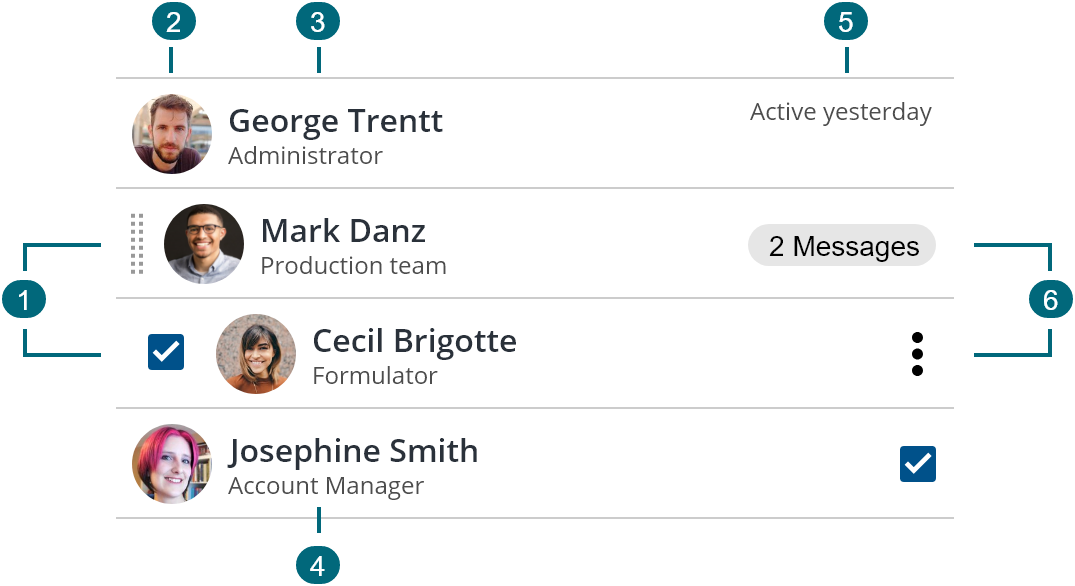
- Left action
- Supporting visual
- Title
- Meta description
- Additional info
- Right action
Use a consistent tone when creating lists. Items should be concise and grammatically parallel. Use a meta description to compliment the main title or contain a link.

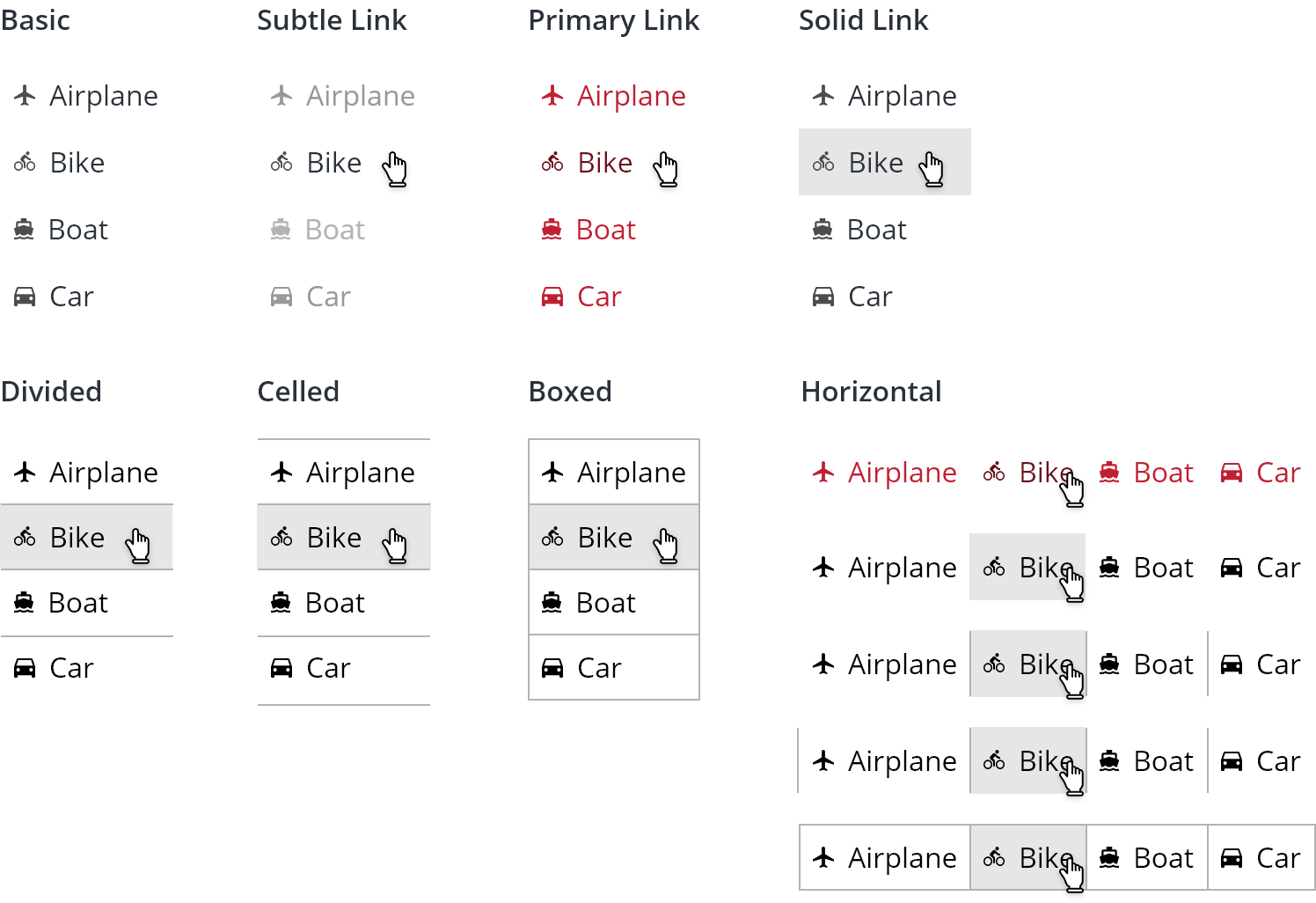
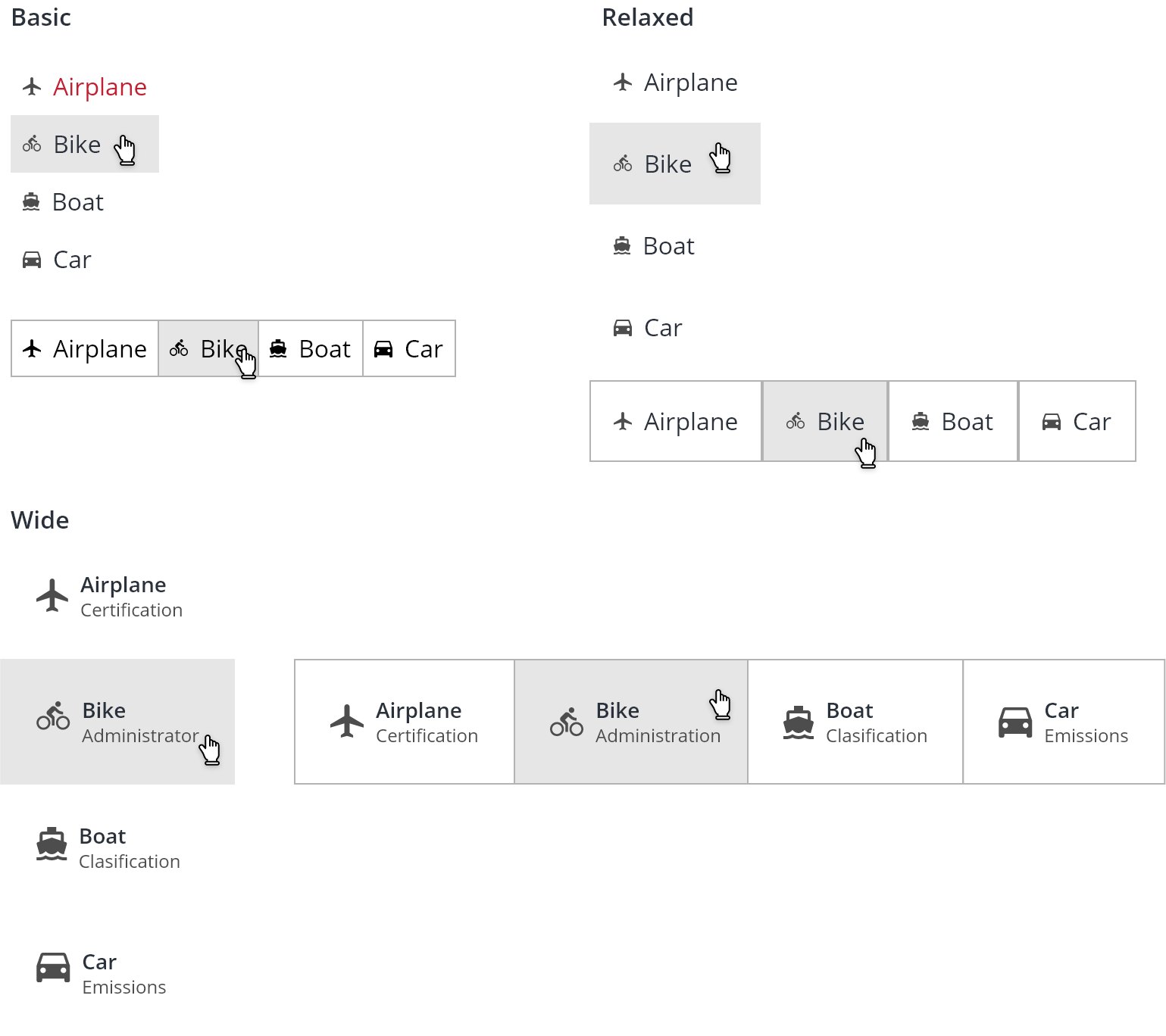
The variation rules presented are interchangeable. This means that a list can be Primary Link and Divided, or Solid Link and Boxed and Horizontal and floated.
List items should be arranged in a logical way. Prefer a default order of highest use to lowest or alternatively, organize in alphabetical or numeric order.
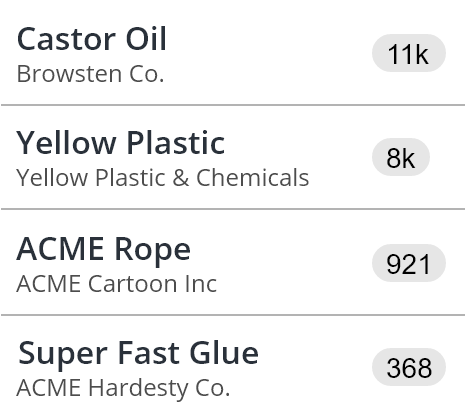
List items containing actions that trigger a server response may have a loading/progress indicator attached or use a button with a loading pattern.
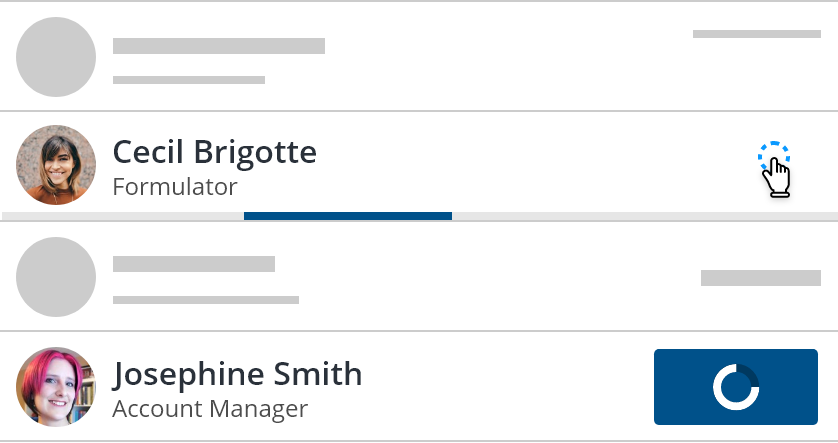
List items may contain either plain text or a link. Link targets should span the full width and height of the list item.

List item titles and descriptions are limited to 32 characters for the title and 40 characters for meta description.
For datasets requiring longer character titles and descriptions, consider using a [card](https://cards WIP) instead.

Scrolling may be implemented on lists with reduced height.
For lists used as secondary menus or navigation:
- Wrap the list links in a
navelement; - Add
role=navigationandaria-label="Go to link"for each link; - Add
aria-label="Link, Current link"andaria-currentto indicate the current page; - Lists as menus should be able to be used with a keyboard;
- Screen readers should recognize list as menus navigation;
- Follow the ARIA Landmark example.
We would like to get your feedback. Tell us how you use this component in your projects and how we can improve it.