Modals interrupt users and demand an action. They are appropriate when user’s attention needs to be directed toward important information.
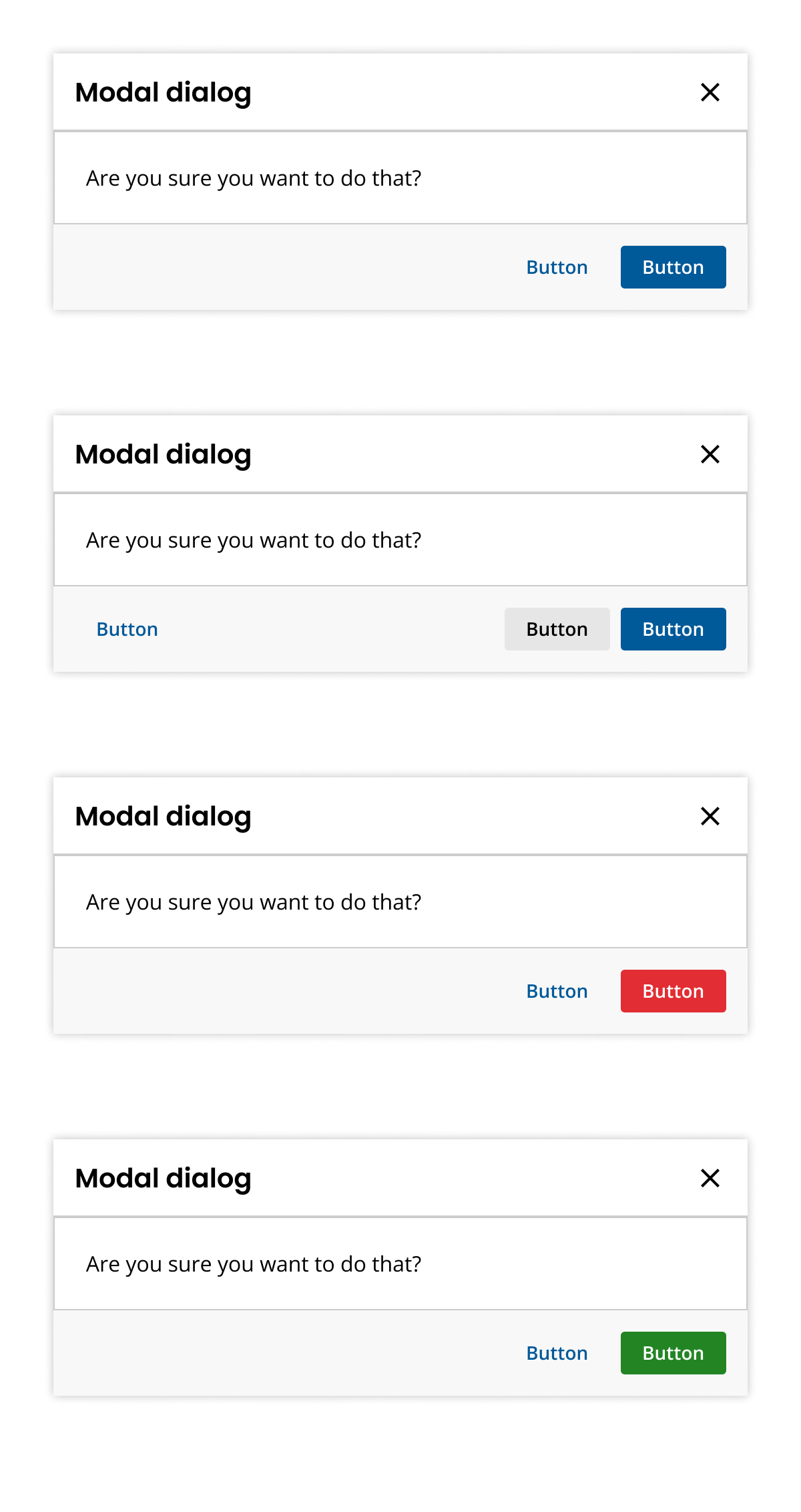
- Display information above the current application layer.
- Require user interaction for task completion.
- Implement modals for secondary tasks without leaving the primary task.
- Present critical or warning information efficiently.
- Direct user attention to important information.
- Facilitate task completion without losing page context.
- Avoid using modals for non-critical tasks.
- Consider alternative components for less intrusive interactions.
- Header: Title and dismiss button.
- Body: Task goal and controls.
- Footer: Primary and secondary actions.
- Overlay: Focuses user attention on the modal.
- Block interactions on the main page during modal activity.
- Use faded overlay to emphasize modal focus.
- Dismissal: Click cancel, dismiss button, ESC key, or outside the modal.
- Keyboard: ESC dismisses, TAB navigates actions.
- Ensure keyboard accessibility with WAI-ARIA guidelines.
- Focus on keyboard interactions for opening and using modals.
- Confirmation Dialogs
- Popovers
- Alerts
Feedback is encouraged to improve component usage and documentation.
Feature: Modal
        Background: There is a modal
          Given a modal is open

          Scenario: Close modal by clicking on [X]
            When I click on the close icon
            Then the modal disappears

          Scenario: Close modal by typing ESC
            When I type the Escape key
            Then the modal disappears

          Scenario: Close modal by clicking on scrim
            When I click on the scrim
            Then the modal disappears

          Scenario: Commit transaction
            Given the modal is transactional
            When I click on the primary action
            Then the modal gives me confirmation feedback

          Scenario: Prevent transaction
            Given the modal is transactional
            And the transaction requirements are not met
            When I click on the primary action
            Then the transaction does not follow through
            And the modal gives me negative feedback