The entrance door to any application and a reflection of the brand.
The header the entrance door to any application. It reflects the company's main brand message, it identifies the product and it is often the starting point of many experiences within the application.
Our header aims to bring UL applications together by a common theme and unique components such as global notifications, application connectivity, and identity.
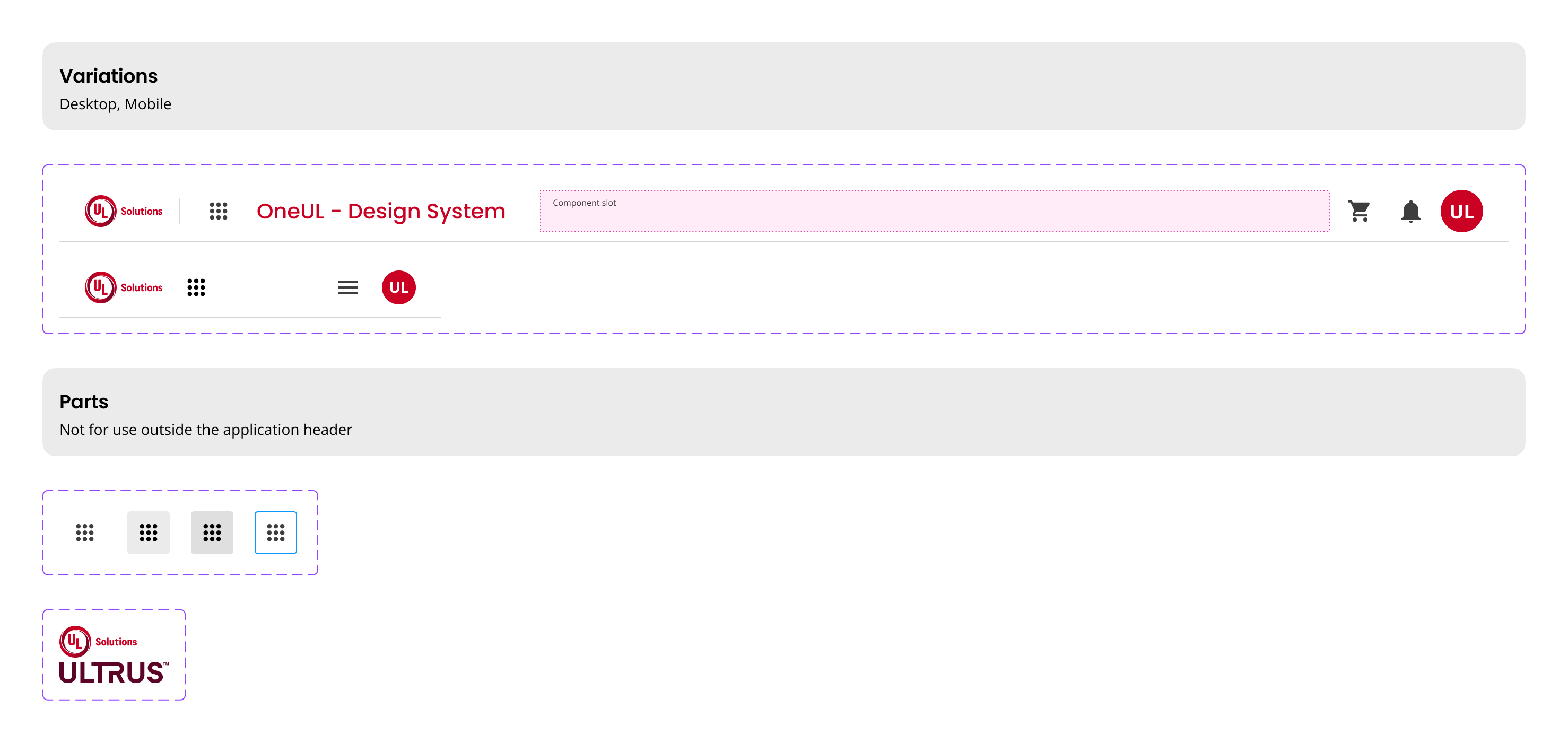
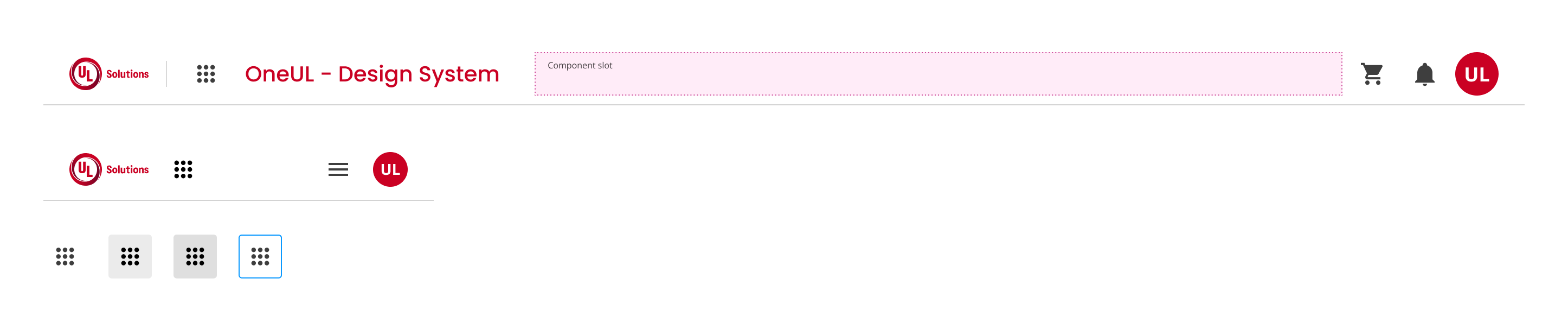
The header contains the following elements, from left to right, top to bottom:
- The company logo.
- The product's name.
- A list of global actions:
- Shopping cart (if applicable).
- Notifications.
- Settings.
- Profile picture.
- Application switcher.
- A navigation bar with application-specific links.
When selecting the bell icon on the main navigation, a dropdown appears with a list of the last few notifications the user was sent.
When selecting the matrix icon on the far right side of the main navigation, a dropdown appears with the list of links that point to specific applications. That list is not fixated.
For small screens and where the product name is longer than the screen's width:
- Display the hamburger menu only;
- Reduce the product name font size to no less than 16px. Keep the font-weight to no less than Semibold or Medium.
We would like to get your feedback. Tell us how you use this component in your projects and how we can improve it.
Updated to include ULTRUS, in Design System Version 3