A representation of the user or other people
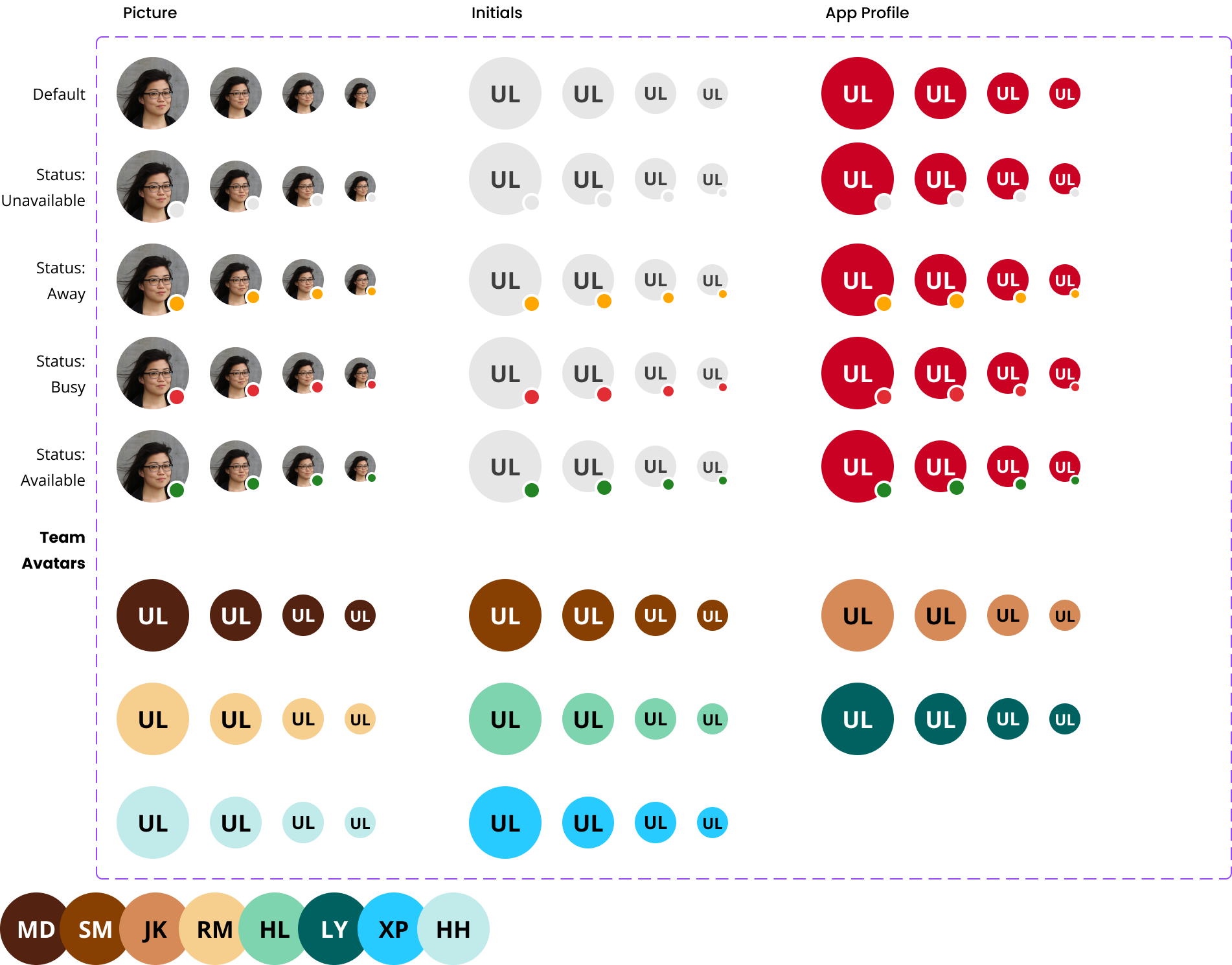
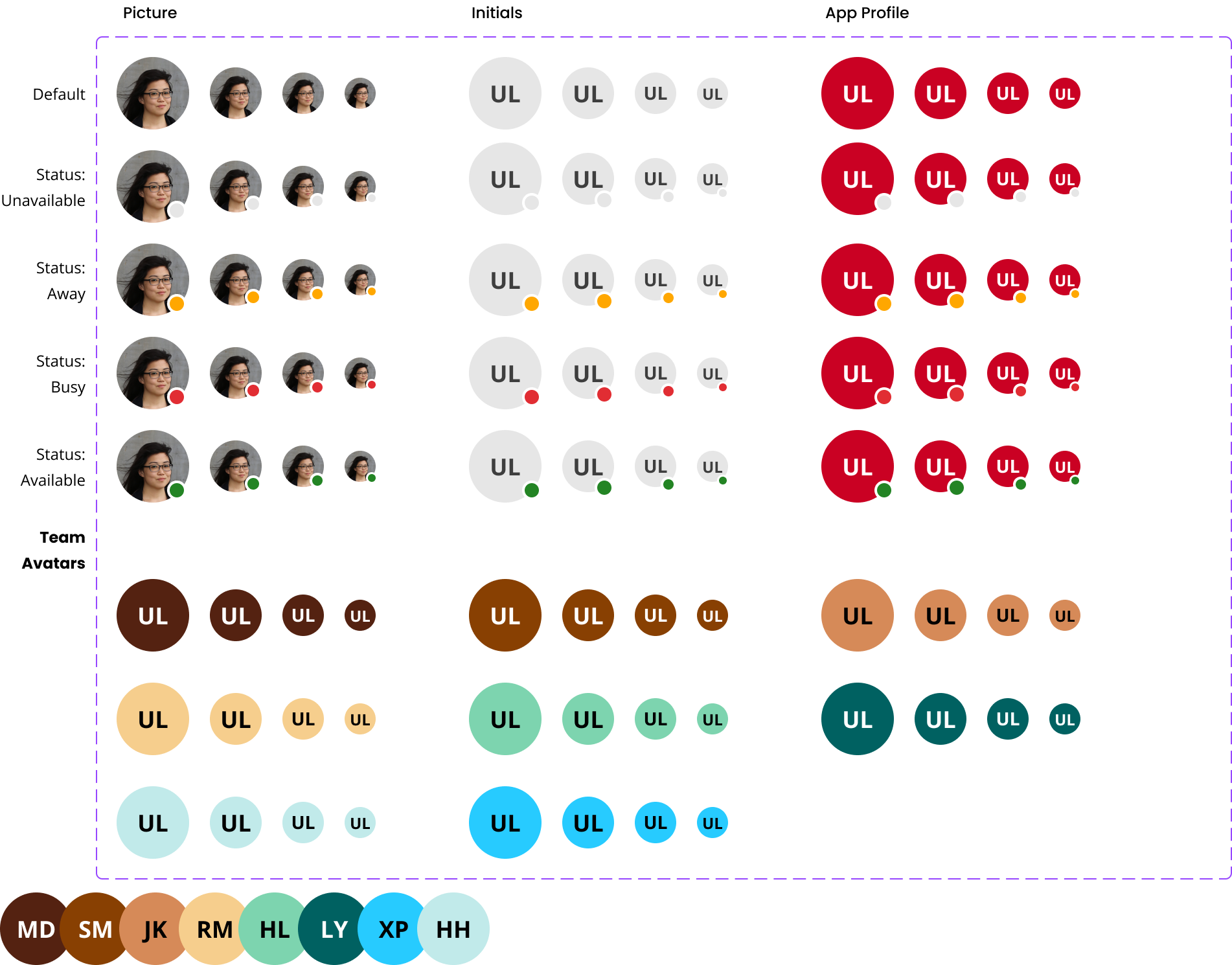
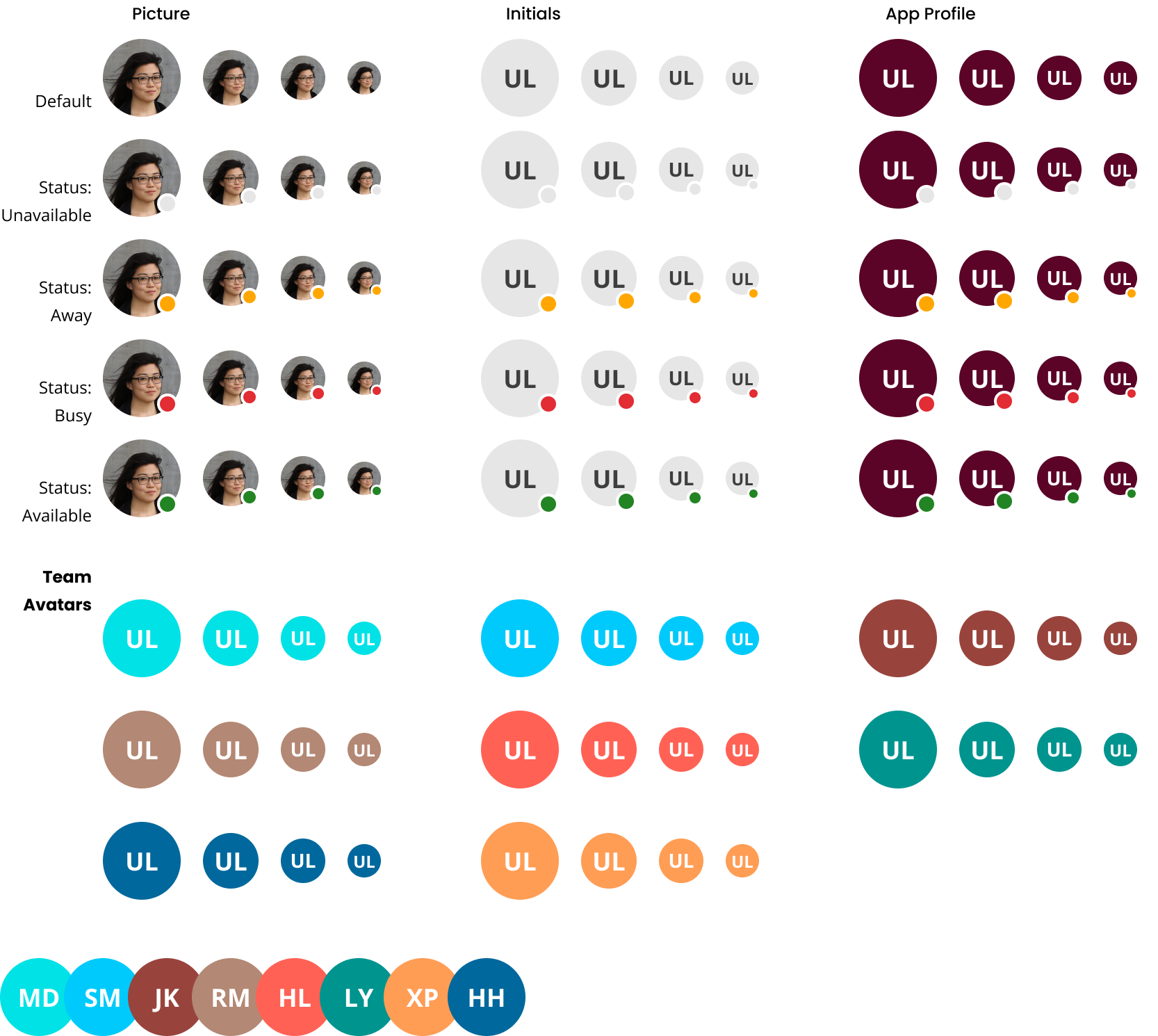
Use an avatar as a graphical portrayal of a user or an entity through a profile image, icon, or string with initials.
- Circular Avatars: Represent a user.
- Squared Avatars: Represent an entity.
- User Avatar with Initials:
- Background: Gray 20%
- Foreground: UL Black
- Entity Avatar:
- Background: Gray 70%
- Foreground: UL White
- Use avatars to visually represent users or entities in user interfaces.
- Avoid using avatars when textual representation is more effective or necessary for clarity.
- Profile Image: Optional image representing the user or entity.
- Initials: Used when no image is available.
- Tooltip: Include a tooltip displaying the full content for all avatar types.
- Order & Alignment: Place avatars to the left of their titles.
- Groups: Stack small and medium avatars up to 5; use a grid for up to 10 avatars in larger containers.
- Status: Combine an avatar with an empty color badge to show user status.
- Overflow: Truncate long text with an ellipsis and move full content into a tooltip.
- Alt Text:For person:
alt="Person’s name"
- Alt Text:For person:
- For entity:
alt="Entity's name" - Fallback: If “src” fails to load, apply
aria-labelwith the provided name and set role to 'img' on the root div element. - Proximity: When an avatar is displayed next to the user’s name or entity, omit the alt tag.
- Profile Card: Use in conjunction with avatars for detailed user information.
- Status Indicator: Pair with avatars to indicate availability or status.
Platform:
Theme: