Showcase short metadata in a compact format.

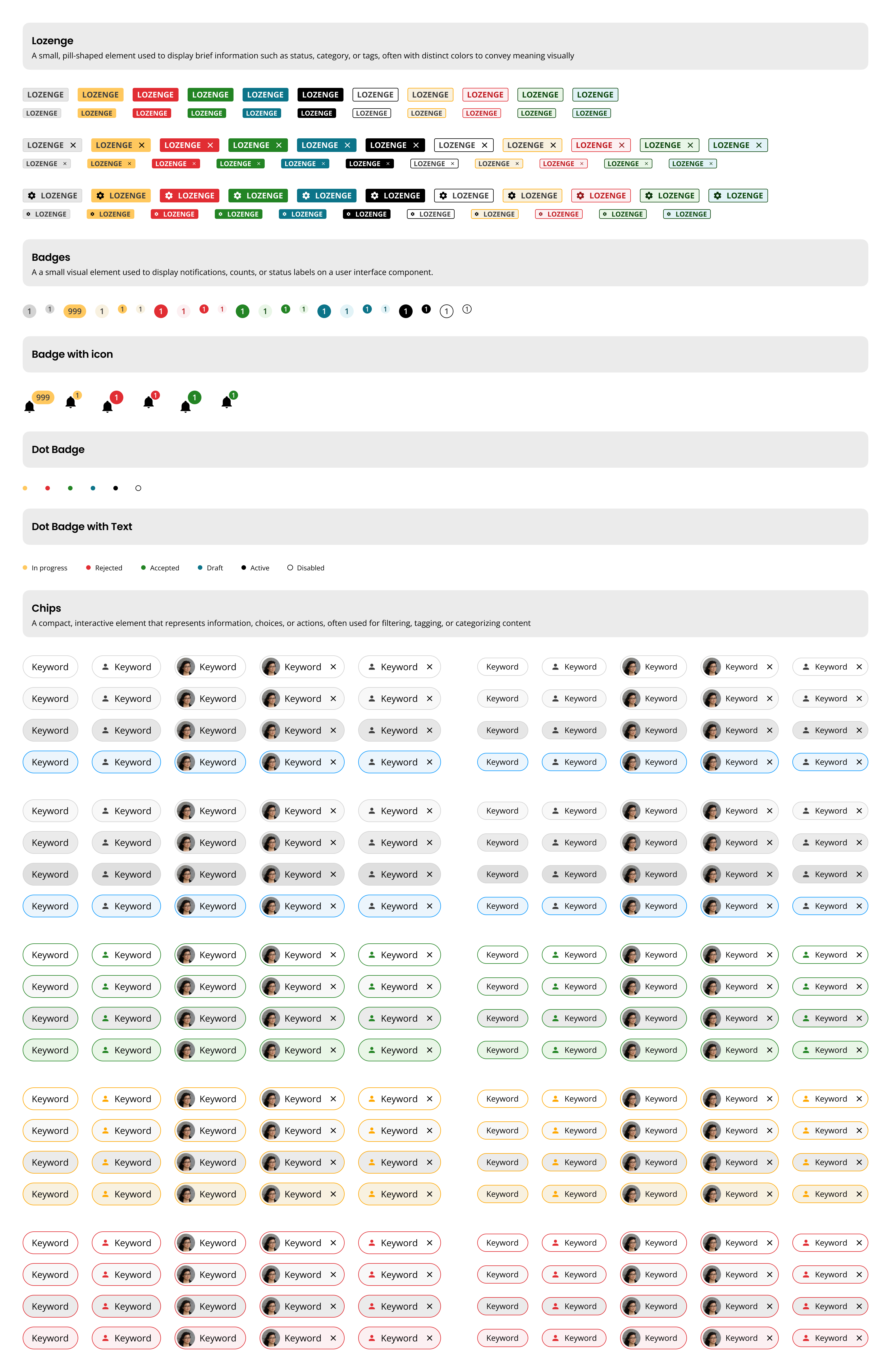
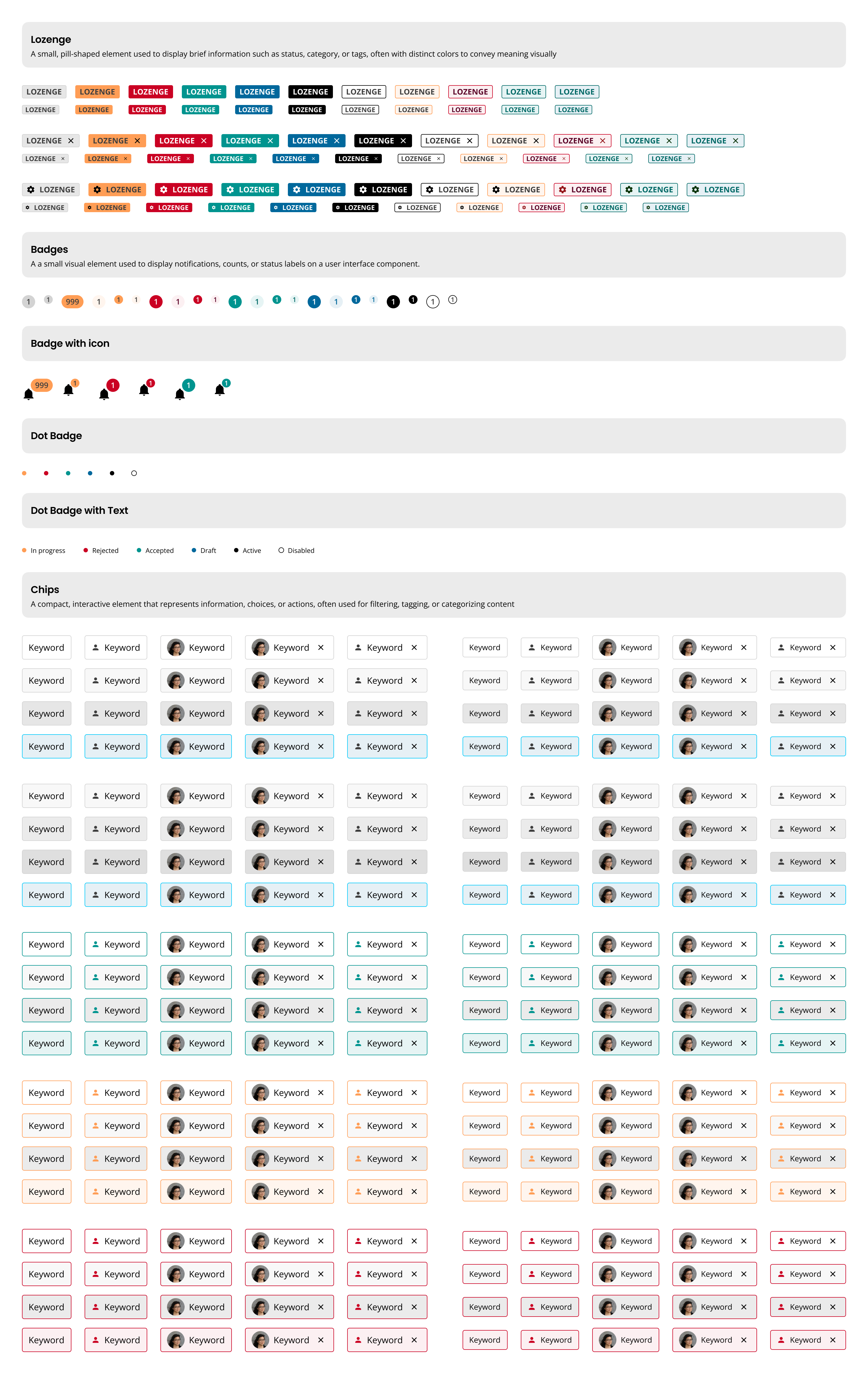
- Labels: Display short metadata to highlight important attributes.
- Badges: Show numerical values to draw attention to unread notifications or events.
- Chips: Compact information, make selections, display filters, or trigger actions.
- Place labels, badges, and chips as close to the related item as possible.
- Use the color system to properly convey meaning.
Labels
- Labels display short metadata.
- Use labels to draw attention to important attributes.
Badges
- Badges display a numerical value.
- Use badges to draw attention to events that the user hasn't taken action on.
- Use digits only up to 999. Display 999+ for 1,000 or more unread notifications (unlikely scenario).
Chips
- Display a set of actionable options.
- Display filters.
- Trigger or dismiss the action within it.
- Employ labels for highlighting attributes.
- Use badges for drawing attention to unattended events.
- Implement chips for presenting options or condensing information.
- Avoid using labels and badges as actionable elements.
- Do not use chips to suggest actions; use buttons instead.
- Labels: Short, scannable text.
- Badges: Numerical values or symbols.
- Chips: Options or condensed information.
- Add tooltips for unclear labels, badges, or chips.
- Truncate labels or chips over 20 characters with ellipsis and provide tooltips.
- Ensure dismissable labels are clickable.
- Use chips to trigger or dismiss actions.
- Include context in accessible text for screen readers.
- Avoid reliance on color alone; use hidden text for additional context.
- Buttons: Use when an object suggests an action.
- Color System: Refer for conveying status or importance.
Your feedback is valuable. Share how you use these components and suggest improvements.
Platform:
Theme: