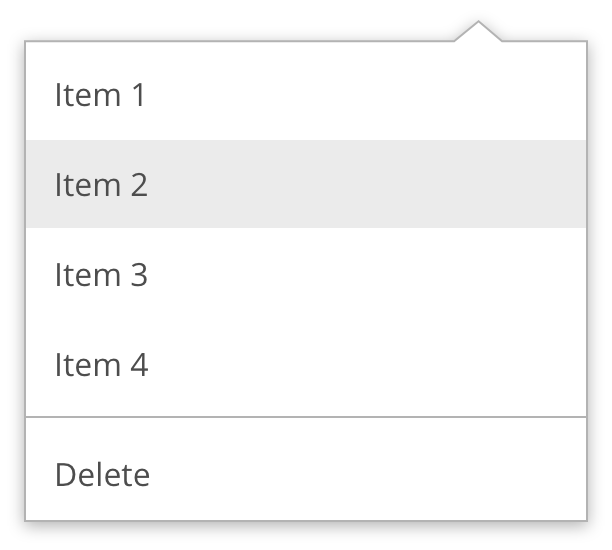
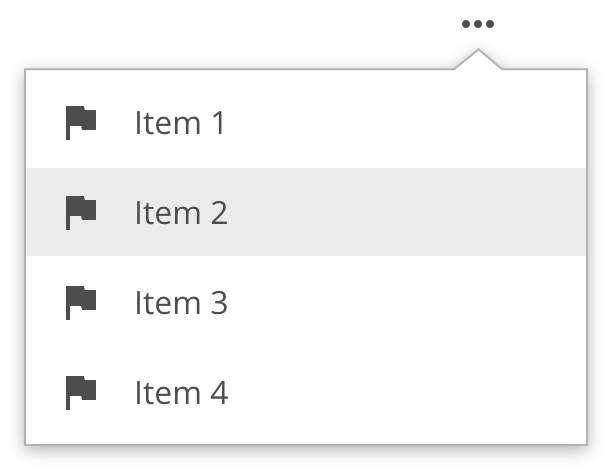
A contextual list of options or actions to take
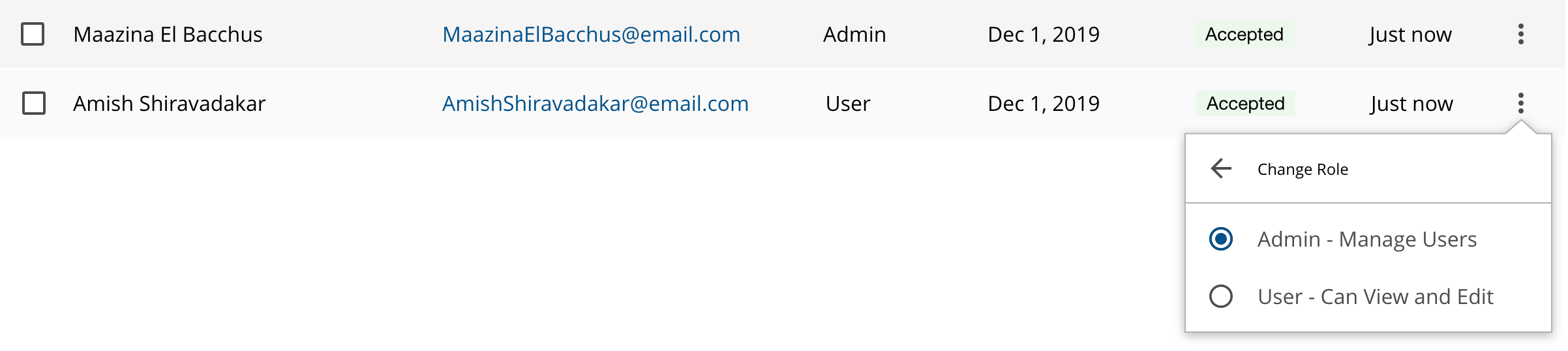
Dropdowns are typically used for navigation and contextual menus where the items intended do not fit in the available space.
- Use concise labels, avoid articles (use: "Add file" instead of "Add a file")
- Do not truncate labels. If it doesn't fit in one line, consider rewording the label.
- Wrap text if it can't be shortened.
- Do not decrease the font size below 14 px.
- Group related items. Start with the most used items at the top.
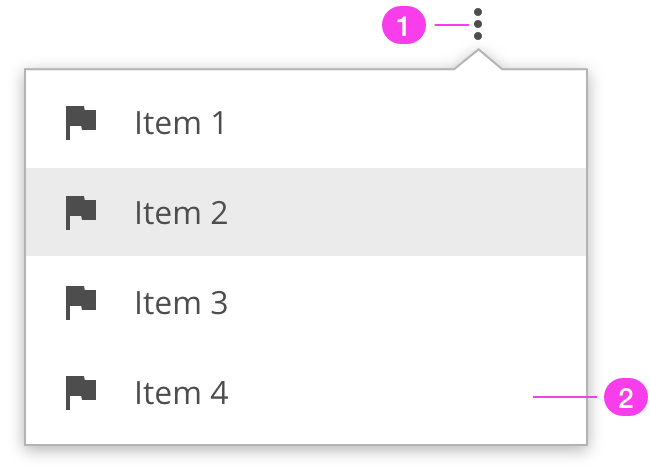
- Control + trigger
- Container for the menu items
Allow a minimum leading (line-height) of 44px (active area) for each row and minimum padding of 16px on each side.
Drop shadow: 8 dpi
A dropdown list is displayed by a button control. Collapsing of the dropdown list can be achieved by pressing on the same button control, selecting a dropdown list item, or clicking outside of the overall dropdown container.
| Key | Function |
|---|---|
| Enter | If the focus is on the button, expands the dropdown list and places the focus on the currently selected option in the dropdown listIf the focus is on a dropdown list option, it collapses the dropdown list and keeps the currently selected option |
| Escape | If the dropdown list is displayed, collapses the dropdown list and moves focus to the button |
| Down arrow | Moves focus to and selects the next option in the dropdown listIf the dropdown list is collapsed, also expands the list |
| Up arrow | Moves focus to and selects the previous option in the dropdown listIf the dropdown list is collapsed, also expands the list |
- Avoid using long option names
- When using icons, make sure to hide their appearance to screen readers
- If the dropdown is a required field include the aria-required property and indicate that it is a required field and use the validation message for input errors.
- Please ensure the proper keyboard navigation is implemented
Resources
- W3C WAI-ARIA Authoring Practices Listbox Design Pattern covers the usage of ARIA names, states, and roles, as well as the expected keyboard interactions.
We would like to get your feedback. Tell us how you use this component in your projects and how we can improve it.