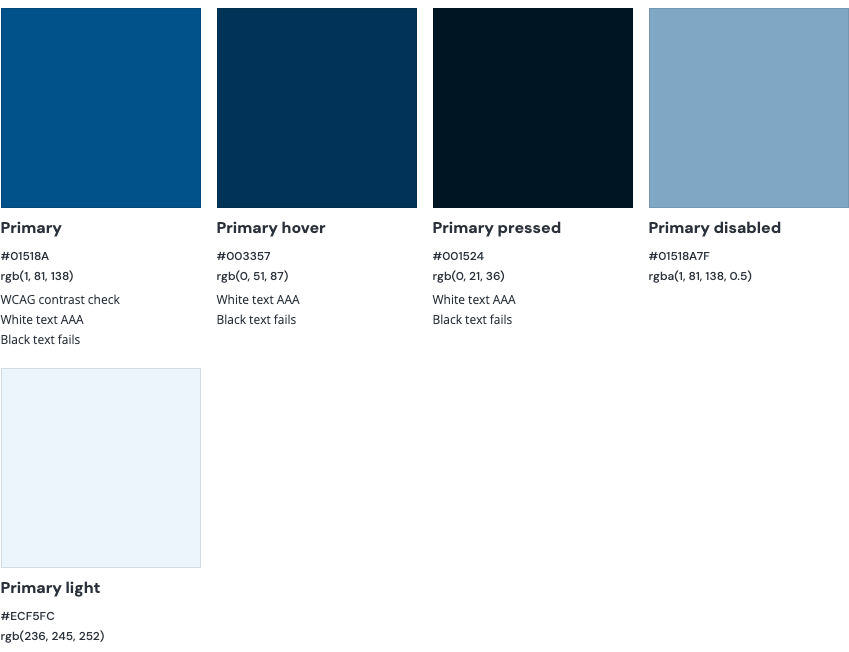
| Color | White foreground | Black foreground |
|---|---|---|
| Primary | ||
| Light |
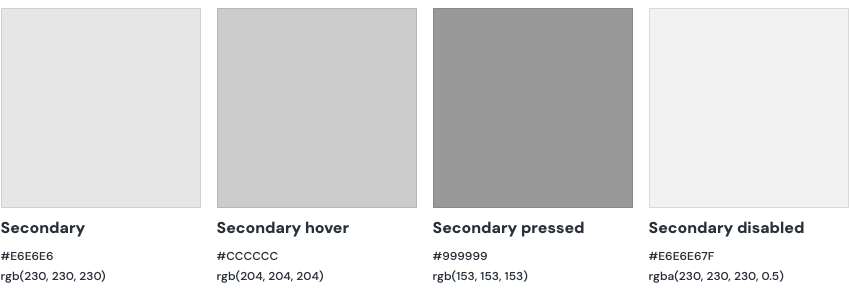
| Color | White foreground | Black foreground |
|---|---|---|
| Secondary |
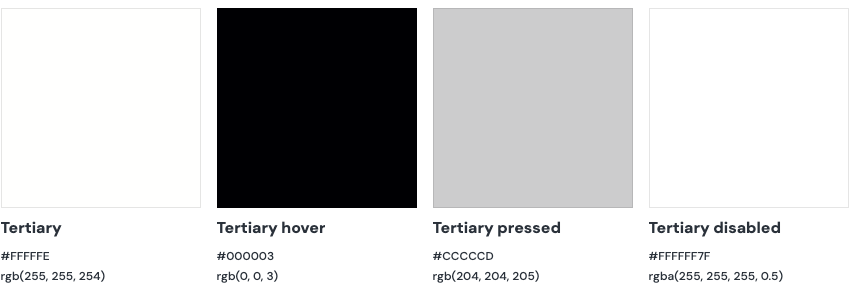
| Color | White foreground | Black foreground |
|---|---|---|
| Tertiary |
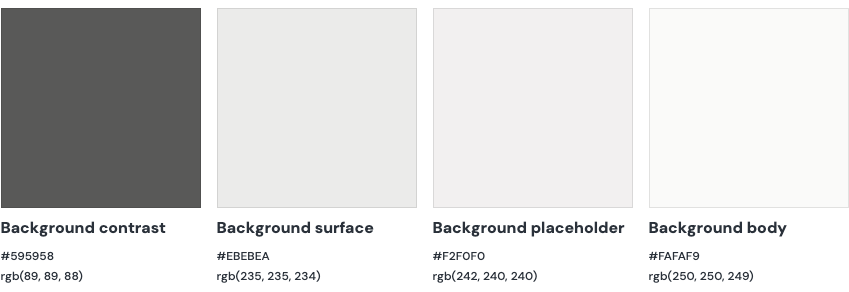
| Color | White foreground | Black foreground |
|---|---|---|
| Contrast | ||
| Surface | ||
| Body |
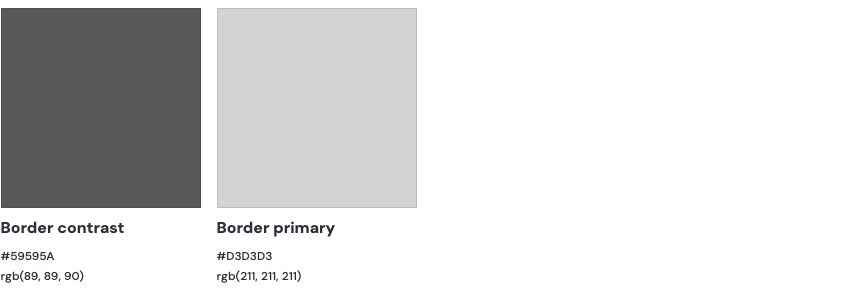
| Color | White foreground | Black foreground |
|---|---|---|
| Contrast | ||
| Primary |
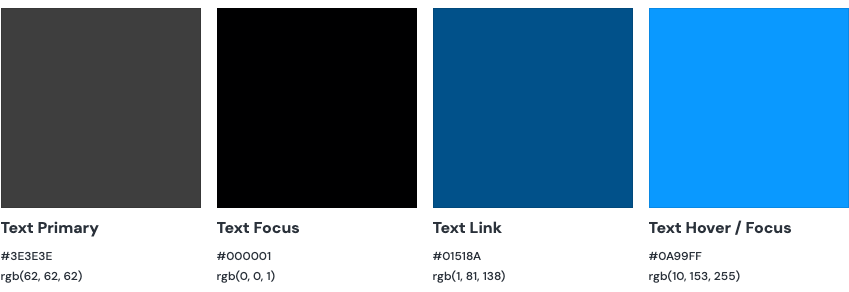
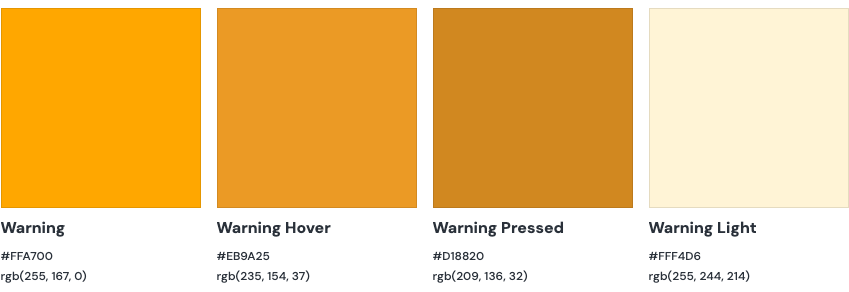
| Color | White foreground | Black foreground |
|---|---|---|
| Warning | ||
| Light |
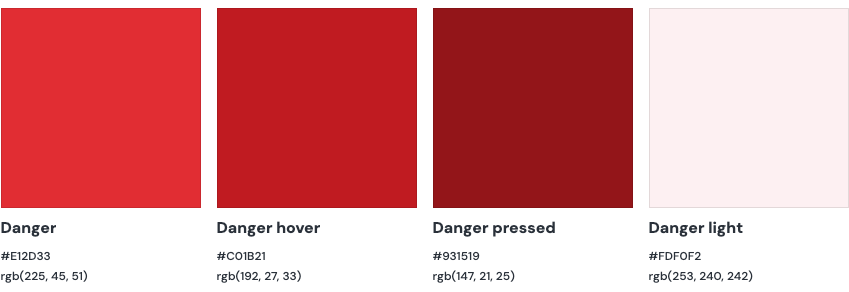
| Color | White foreground | Black foreground |
|---|---|---|
| Danger | AA Pass - AAA Fail | AA Pass - AAA Fail |
| Light |
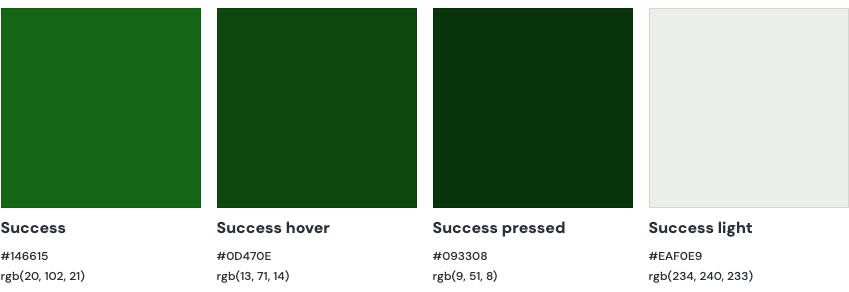
| Color | White foreground | Black foreground |
|---|---|---|
| Success | ||
| Light |
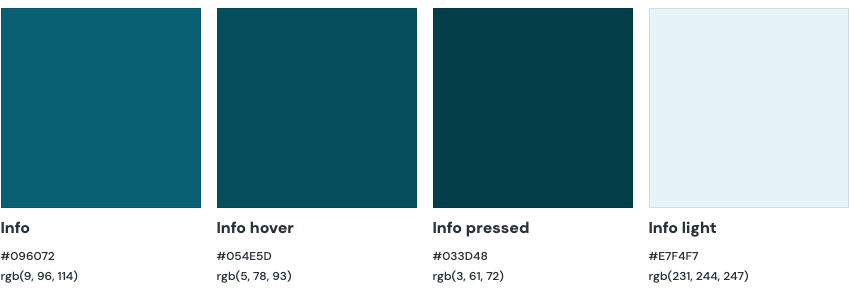
| Color | White foreground | Black foreground |
|---|---|---|
| Info | ||
| Light |
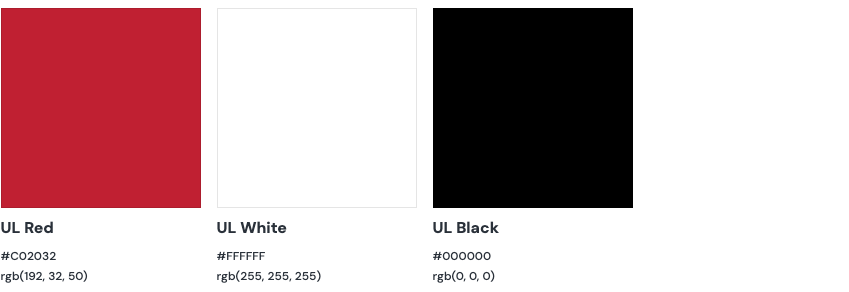
Our primary brand colors are energetic and impactful — red, black, and white. These enterprise colors are supported by a robust secondary palette. The palette consists of color sets designed to express system information and ease of use.
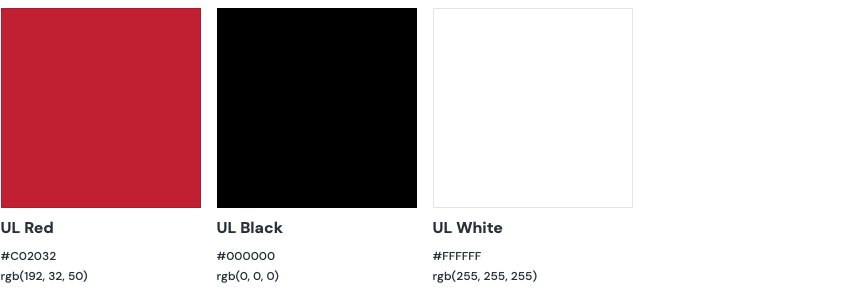
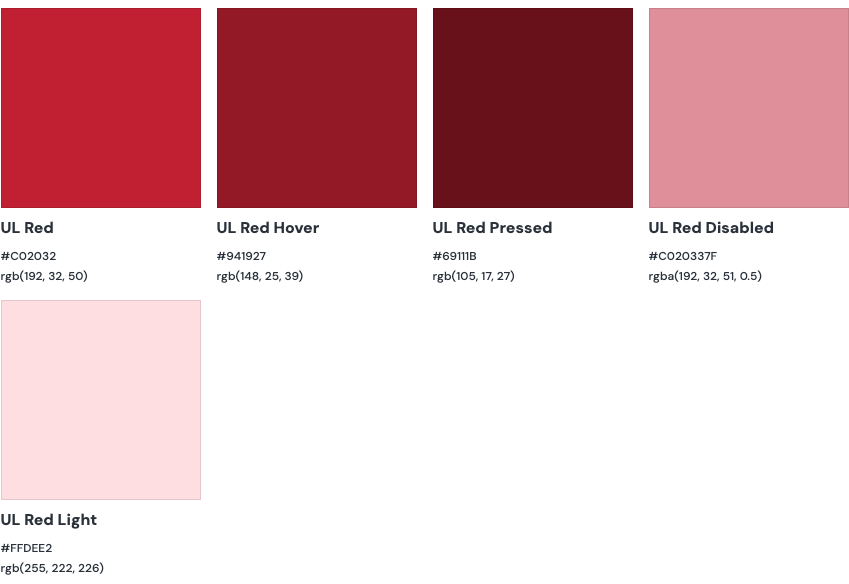
The enterprise theme is recommended for use in websites with marketing purposes where the UL brand needs to be supported by the variations of the UL Red color.
Color has a huge impact on a user's cognition and mood. Because of this, an application-specific palette is available and designed to be soft and cool, making it easy to interact with for longer periods of time.
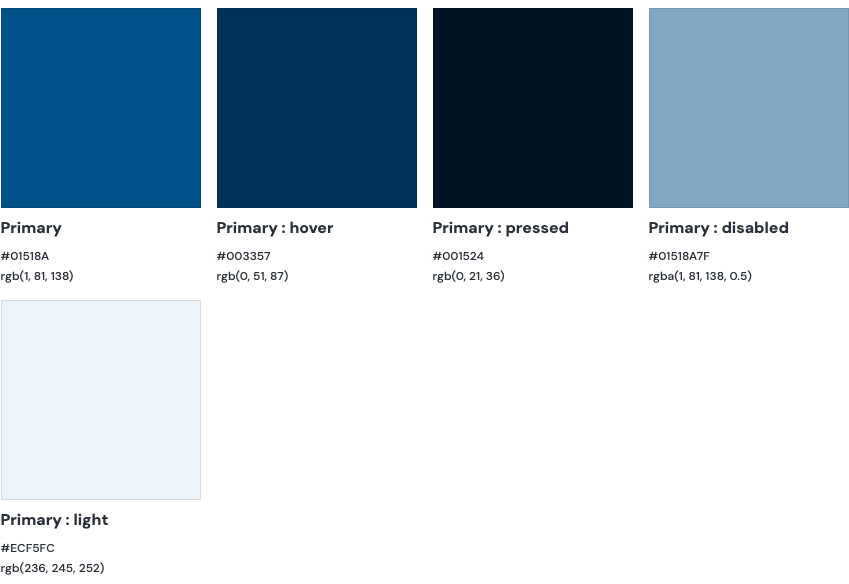
Consistent use of color keeps cognitive loads light and makes the user experience cohesive and engaging.
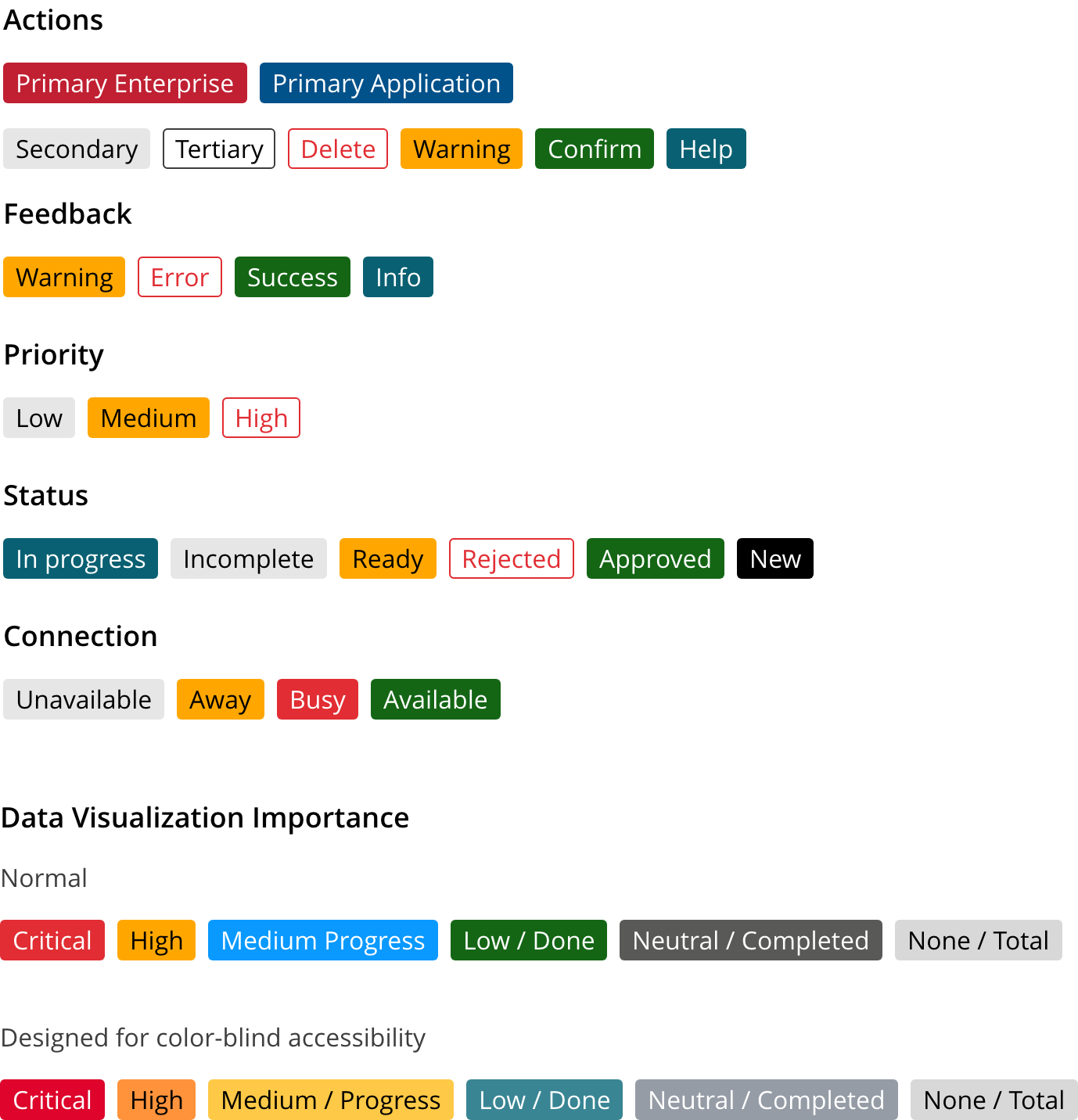
Our color system allows users to recognize application messages that deal with taking action, interacting with tasks, prioritizing, and displaying status. Please use the following guidelines to identify your use case and assign the correct color.
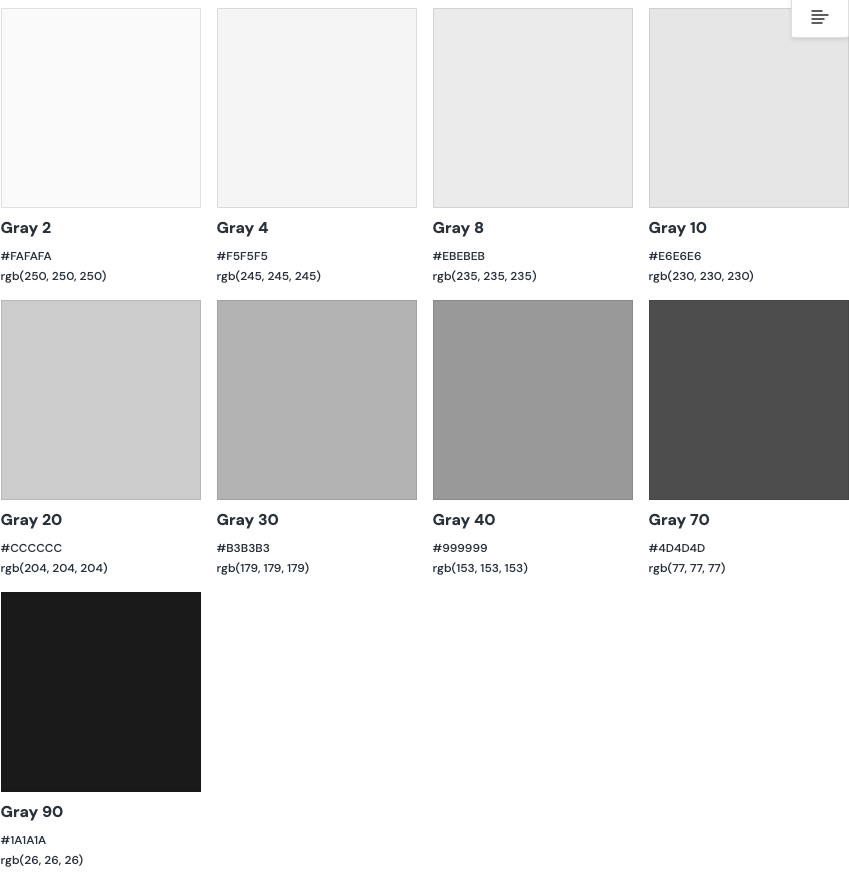
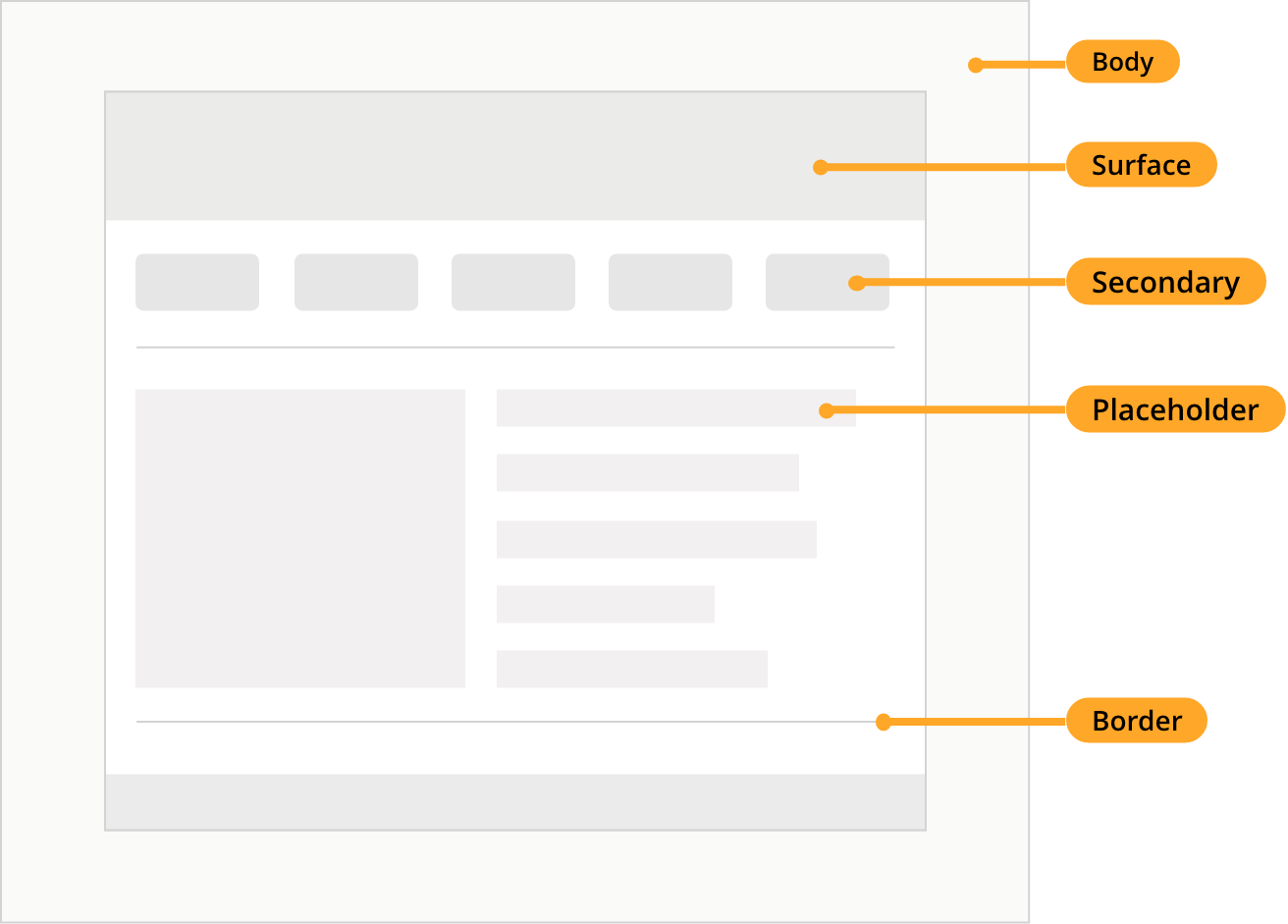
Neutral tones are used to design layouts, accentuate elements, and separate and organize negative space.
In certain circumstances, UL's red brand color can present challenges to users with color blindness. At a minimum:
- Avoid combining red and green text/backgrounds/juxtapositions;
- When using color to convey meaning (such as red text for error messages, green for success, etc.), use symbols and words to further convey that meaning.
WCAG 2.0 level AA requires a contrast ratio of at least 4.5:1 for normal text and 3:1 for large text. WCAG 2.1 requires a contrast ratio of at least 3:1 for graphics and user interface components (such as form input borders). WCAG Level AAA requires a contrast ratio of at least 7:1 for normal text and 4.5:1 for large text.
We would like to get your feedback. Tell us how you use this component in your projects and how we can improve it.