A drawer:
- Is a non-modal dialog used to display additional information about the content of a page.
- Is a temporary workspace for editing, annotating, or tagging an element without interrupting the user flow or leaving the page (on desktop).
- Is always prompted (to pen/close) by user input.
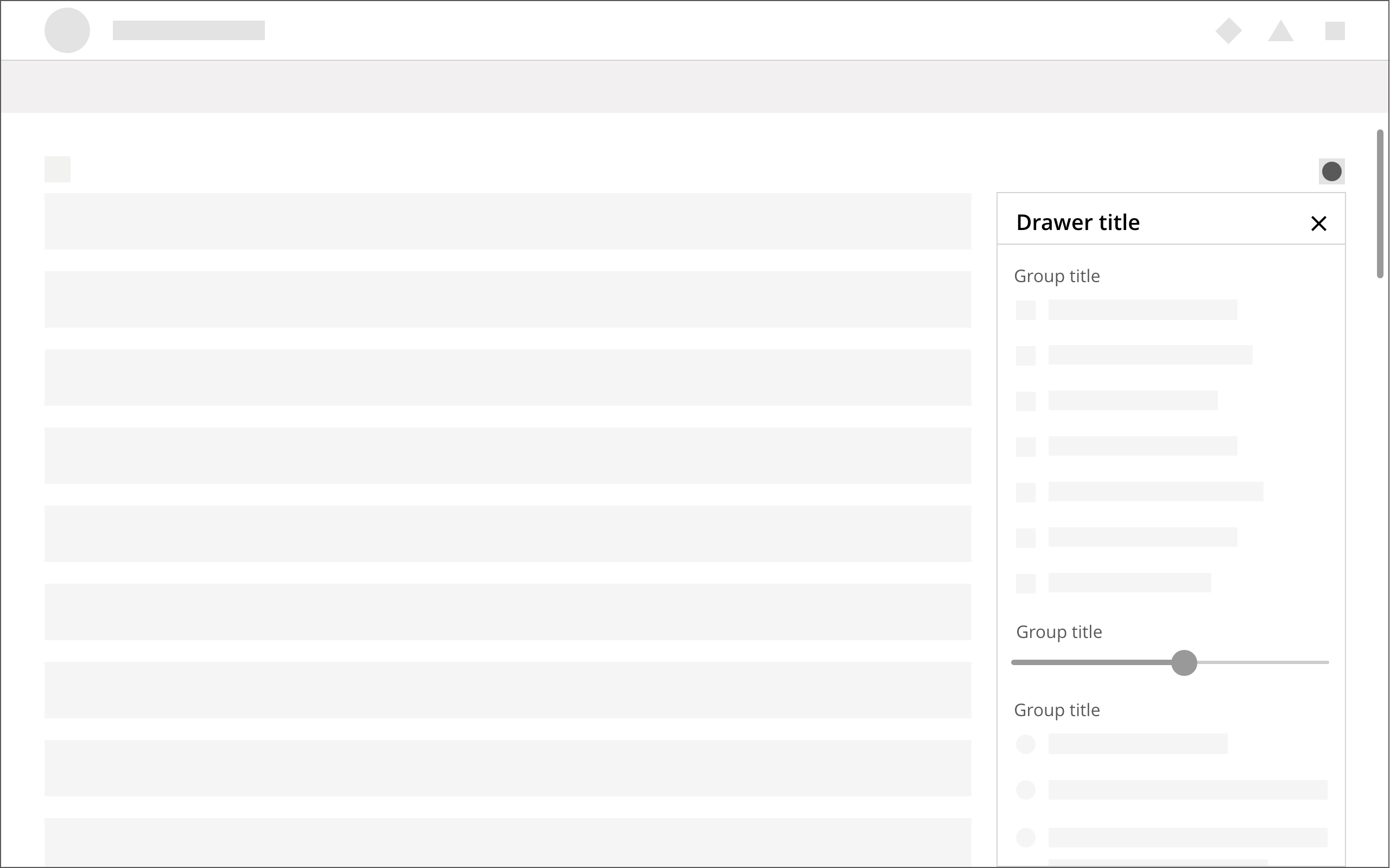
- Can be displayed as a side overlay or besides the main content.
- Is easily dismissable, in the sense that it provides a clear closing mechanism – a close icon on the top-right.
- May contain multiple tabs to navigate between choices — a basic filtering.
- May contain multiple tabs to navigate between sections.
- Slides in from the page’s right-side margin.
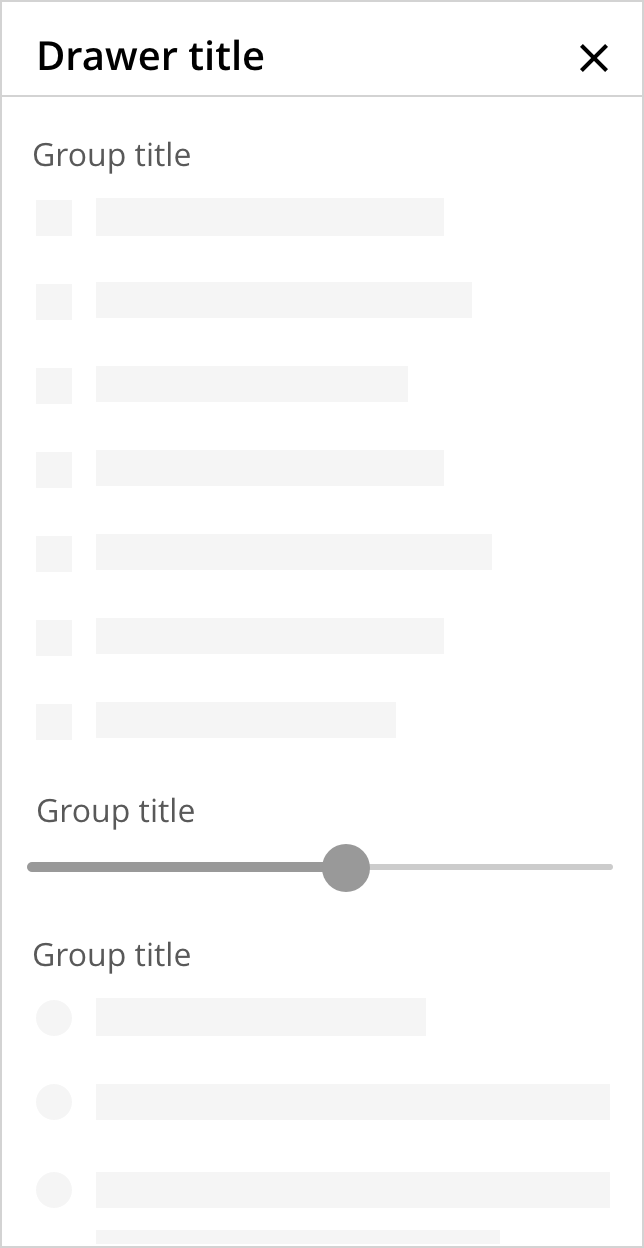
- Has content that wraps and scrolls vertically when content exceeds the screen's height.
- Has content that scrolls behind the primary controls (e.g.: the close icon).
- Drawers must not disable page’s functionality or disrupt user’s flow.
- Don’t use drawers to display a system status message.
- Don’t allow horizontal scrolling within a drawer.
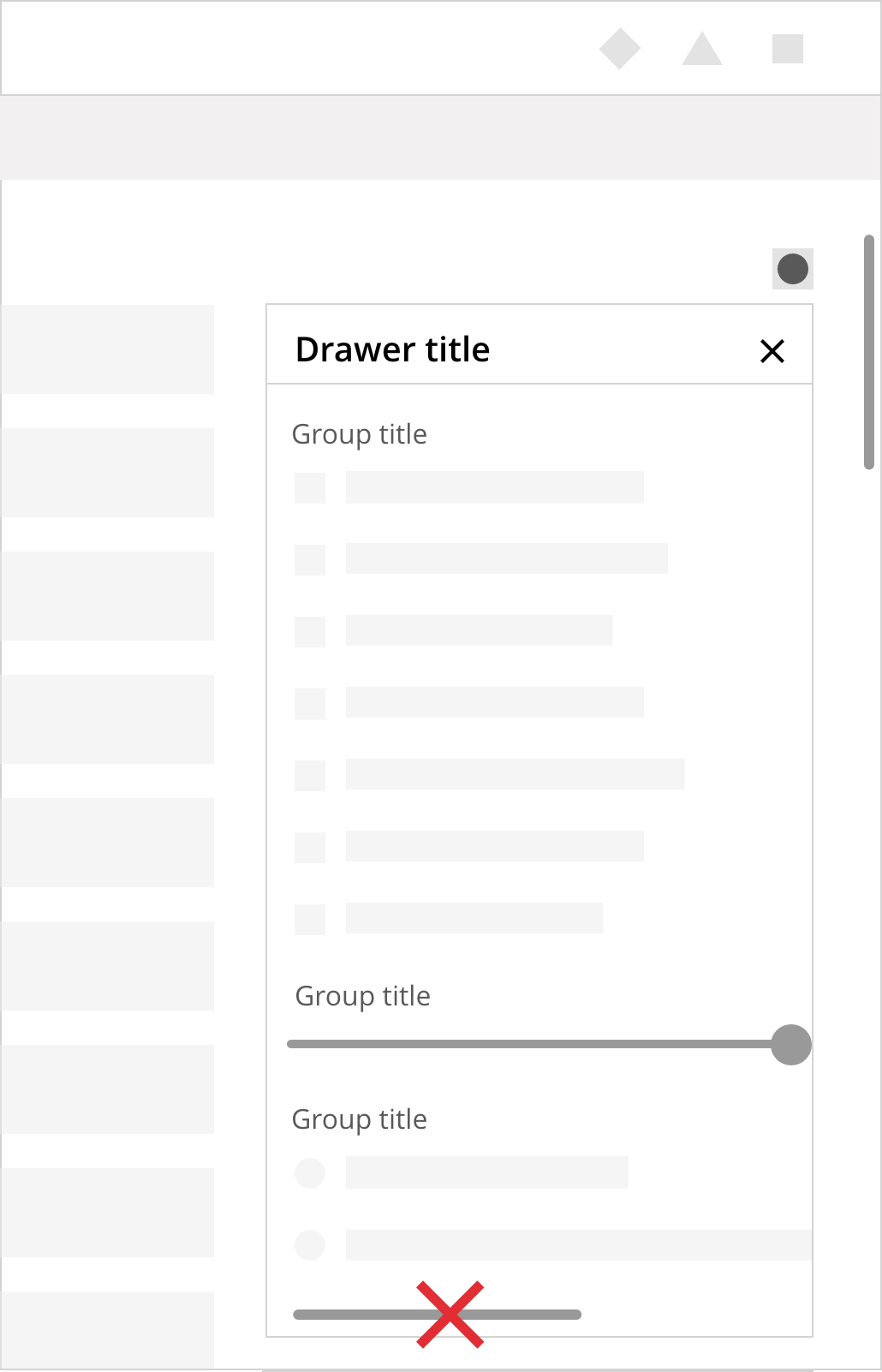
- Don't offset, align with the right margin of the page.
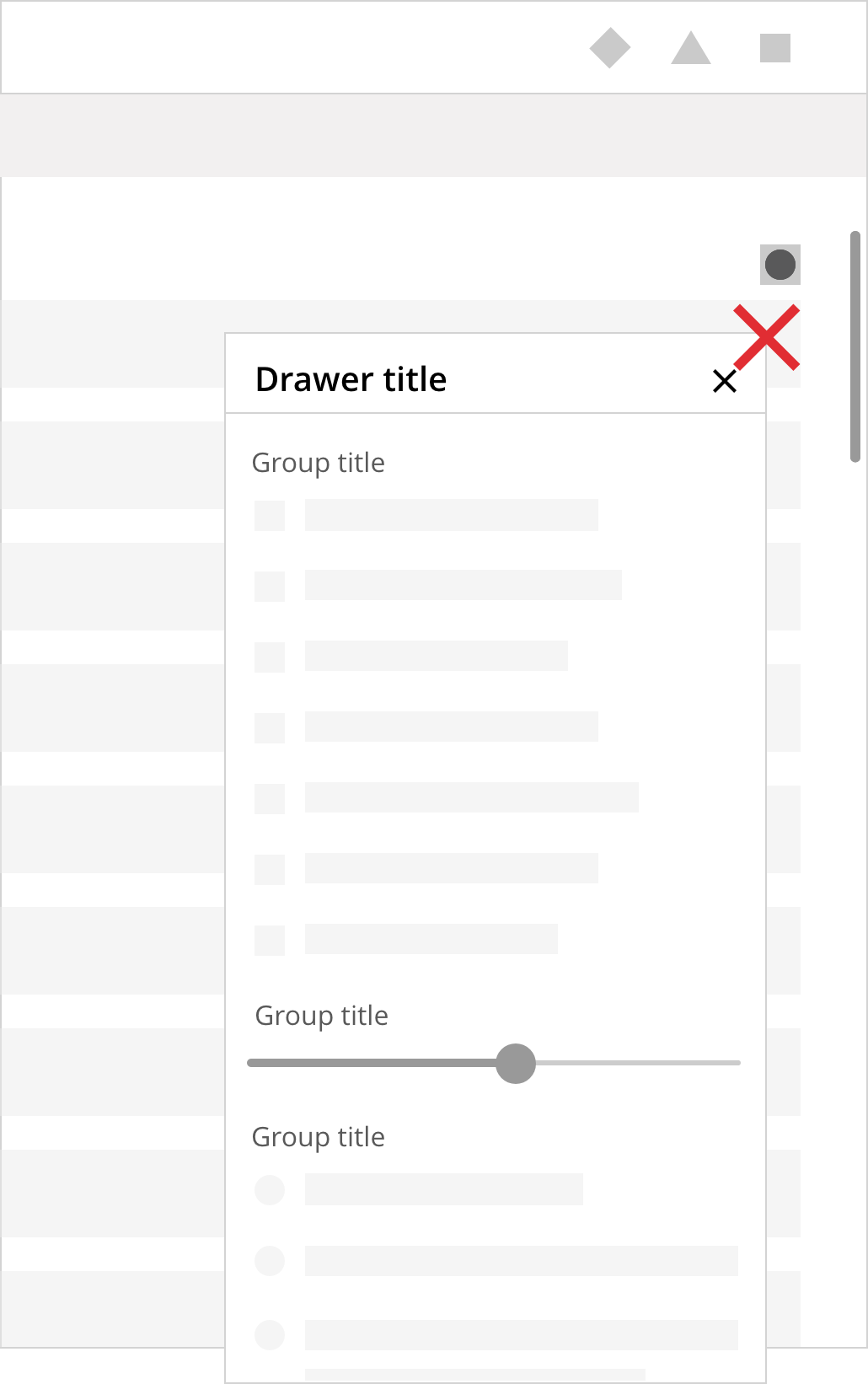
- Don’t place calls to action below the drawer's fold area.
- If the page has a vertical navigation panel, we recommend to place the drawer on the opposite side.
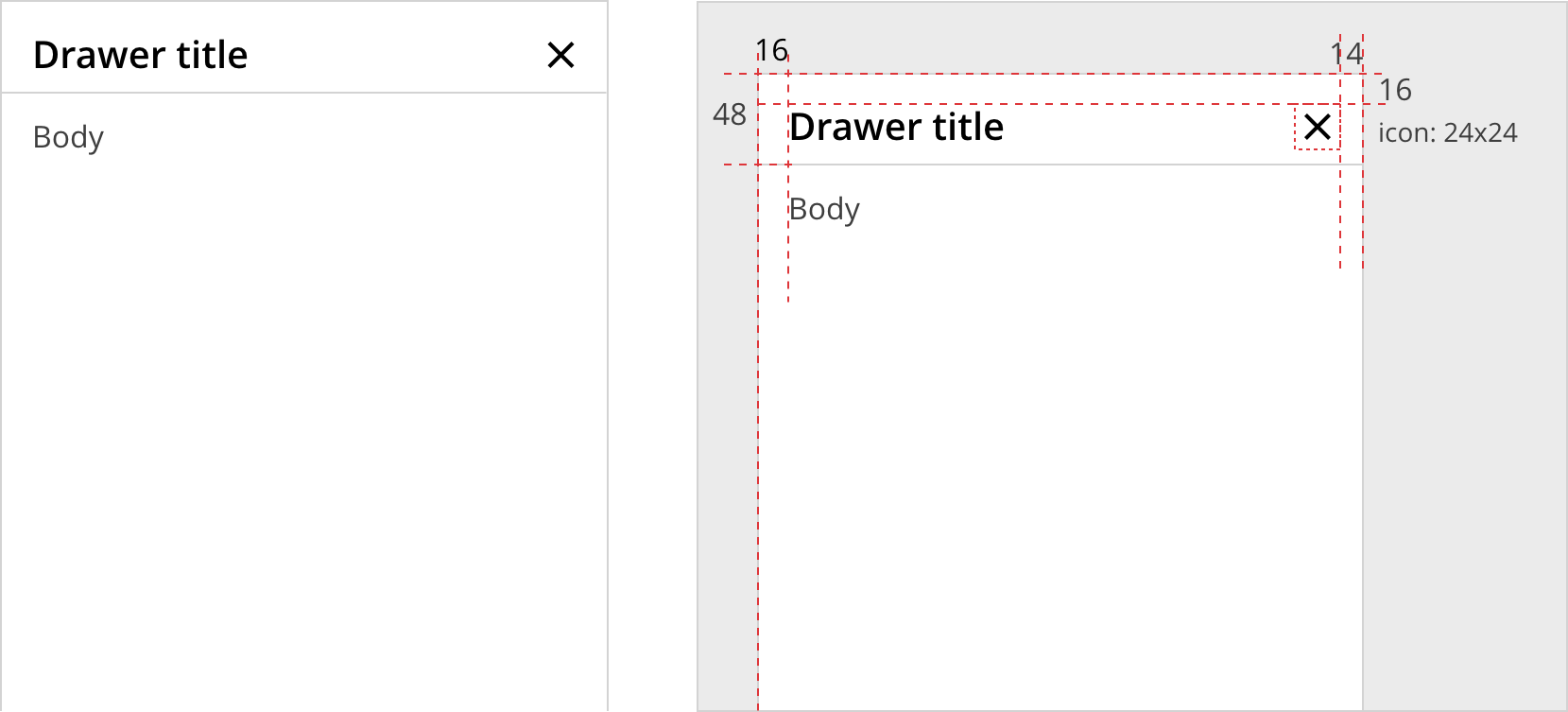
- Header
- The title of the drawer — left aligned.
- A close icon — right aligned.
- Tabs
- For complex drawers, a basic list of filters can be displayed in a horizontal menu ( e.g., "All", "Assigned to me", "Unread", etc.).
- Search input
- Used for cases where there is a large amount of content.
- Body
- May include static content, expandable components and UI controls.
Drawers slide in right-to-left, from the right margin of the page and re-flow the canvas, pushing the content left up to the minimum breakpoint (for desktop). On mobile devices, the drawer overlays the main content, with a clear way to close it and/or get back to the flow.
If content overflows the screen's height, the drawer can scroll individually within the panel.
In some scenarios, where the drawer is co-planar, it may scroll with the page.
Once the drawer is opened, the screen reader should shift focus to its content. Conversely, once it is closed, focus returns to the previously focused element.
The drawer can also be closed via the keyboard, using the Escape key.
When opened, the drawer is placed either below the trigger element or it covers the right side of the page top to bottom as a non-modal panel. It sits flush to the right side of the page.
- On small screens, the drawer may use 100% of their width.
- On desktop viewports, a drawer occupies at least 20rem (320px).