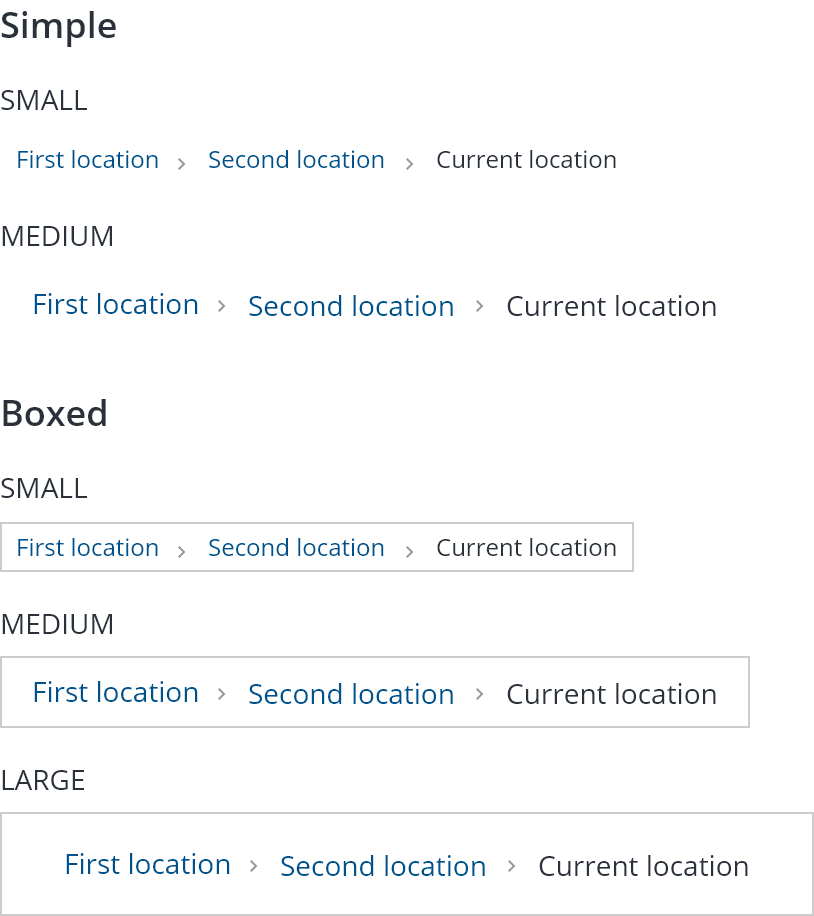
Breadcrumb navigation can greatly enhance the way users find their way around.
Breadcrumbs are a type of secondary navigation pattern that reveals the user's location in a website or web application, while also allowing them to navigate back to a previous location or discover other hierarchical locations.
- Use breadcrumbs on multi-hierarchical sites and sections;
- Include the current user's location as the last item in the trail;
- The last item in the trail should not be a link;
- The first item in the trail should be a link to home.
- Do not use breadcrumbs to replace the global navigation;
- Breadcrumbs display location, not history;
- Avoid including links to pages and not top categories or options with no landing spaces;
- Breadcrumbs are not recommended on sites that are only 1 or 2 levels deep.

- Link to hierarchical location;
- Location separator;
- Current location.
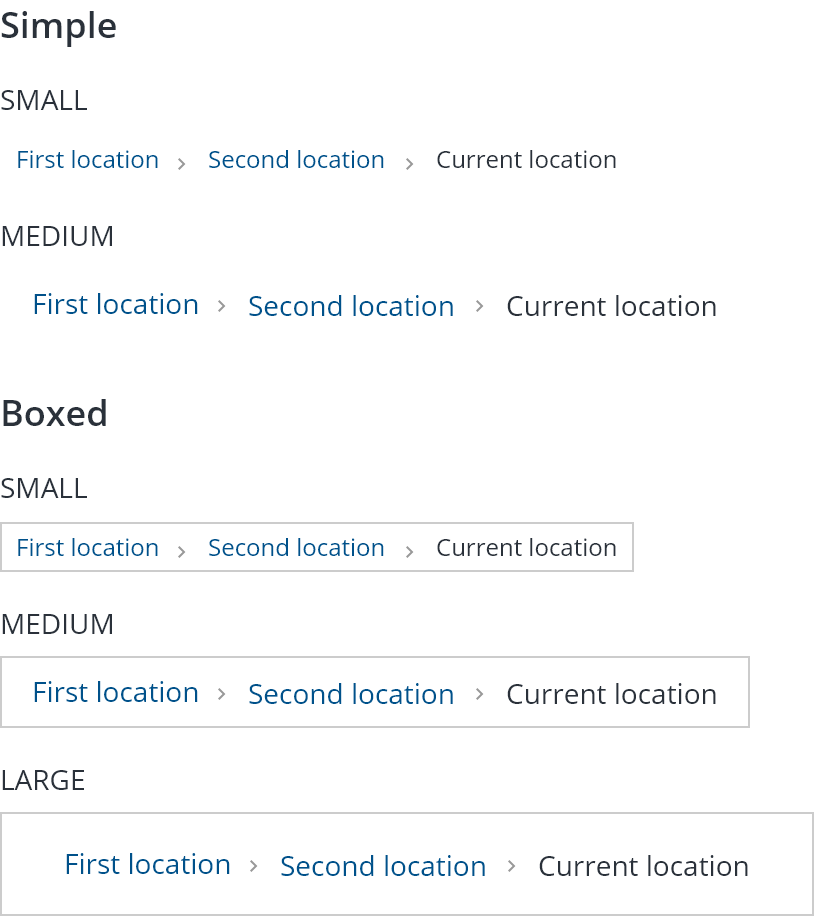
Simple & Boxed
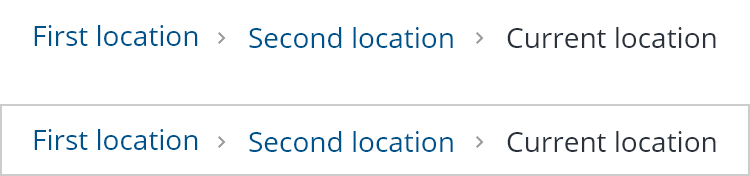
Tooltips should be used on truncated breadcrumb items. See the truncate rules below.
A hover state for the link item should be added.

Breadcrumbs should always be presented before any content.
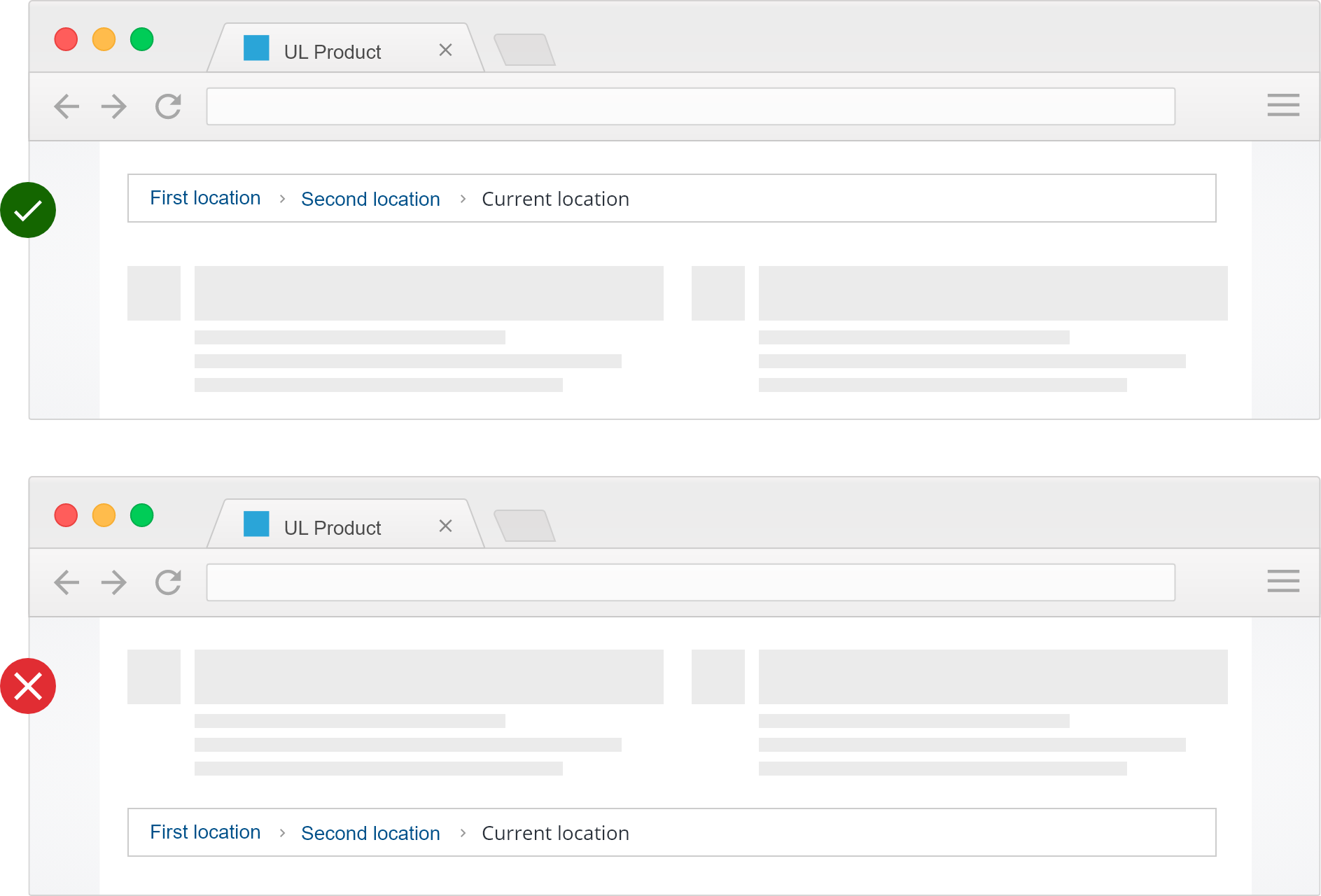
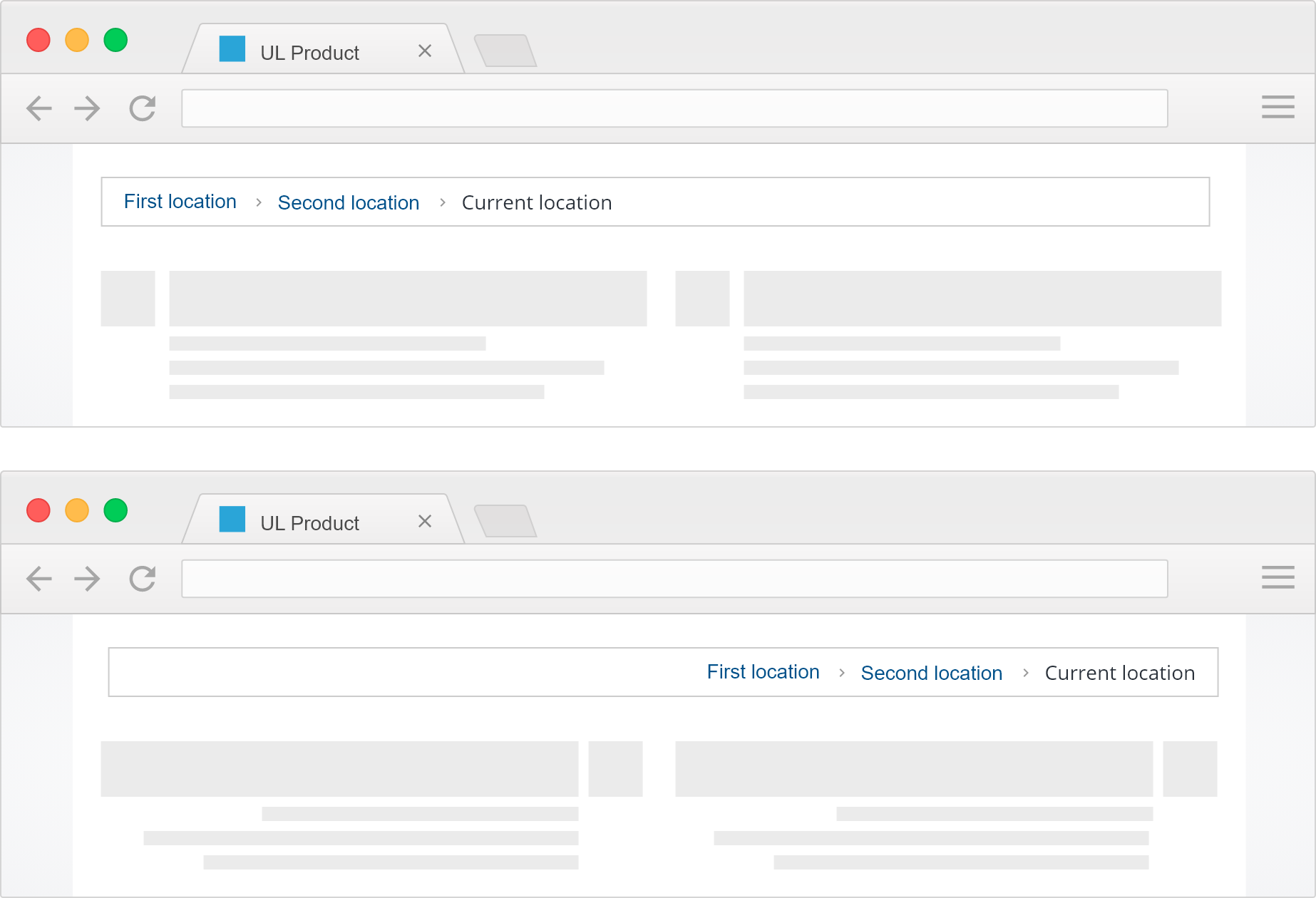
Breadcrumbs should be positioned at the top left of the screen for left-to-right languages and top right for right-to-left languages.
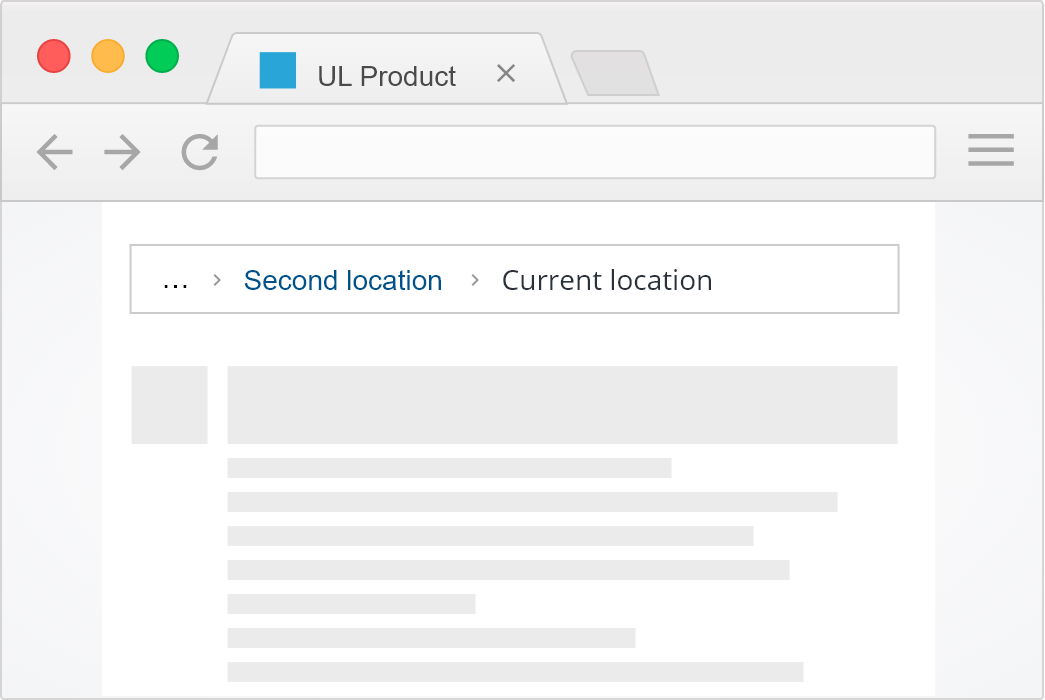
Items with titles longer than 21 characters should be truncated with an ellipsis and a tooltip added to display its full designation.

Breadcrumbs items should correctly reflect page or section titles for screen readers.
- Avoid breadcrumbs that wrap into multiple lines on smaller screens;
- Minimum tap target for mobile is 1cm × 1cm, do not make breadcrumbs too tight;
- Truncate locations or reduce to only 1–2 levels deep.
We would like to get your feedback. Tell us how you use this component in your projects and how we can improve it.