A button that allows for a choice where only one selection is allowed.
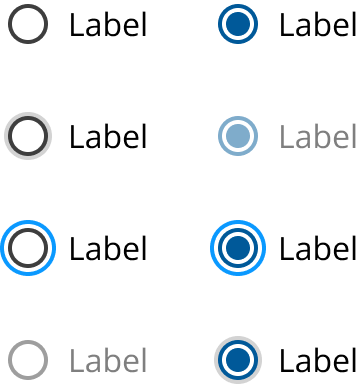
Radio buttons are used for mutually exclusive choices where only one selection is allowed. Radio buttons automatically deselect a previous choice when a new one is selected.
- Integrate: Use in forms, tiles, data tables, modals, side panels, and full-page forms.
- Switch: Utilize in settings to toggle between options in menus, pages, or components.
- Forms: Ideal for scenarios requiring a single choice.
- Settings: Effective as a filter to switch between settings.
- Multiple Selections: Opt for checkboxes if multiple selections are needed.
- Group Label (Optional): Describes options or guides selection.
- Radio Button Input: Displays selection state; default is unselected.
- Radio Button Label: Describes selectable information.
- Selection: Default state is unselected; only one option can be selected.
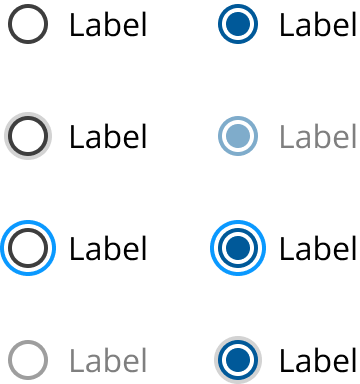
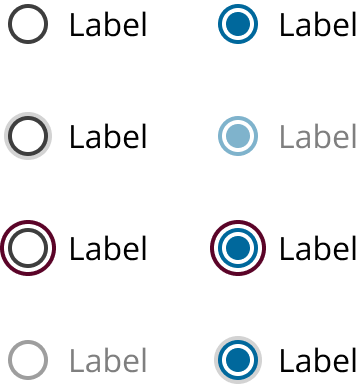
- Additional States: Include focus, disabled, read-only, error, and warning.
- Mouse: Both input and label are clickable for accessibility.
- Keyboard: Navigate using Up/Down arrows; use Space to select.
- Click Targets: Ensure both input and label are clickable.
- Navigation: Support keyboard navigation for users with disabilities.
- Checkboxes
- Selectable Tile
- Toggle Switch
Platform:
Theme: