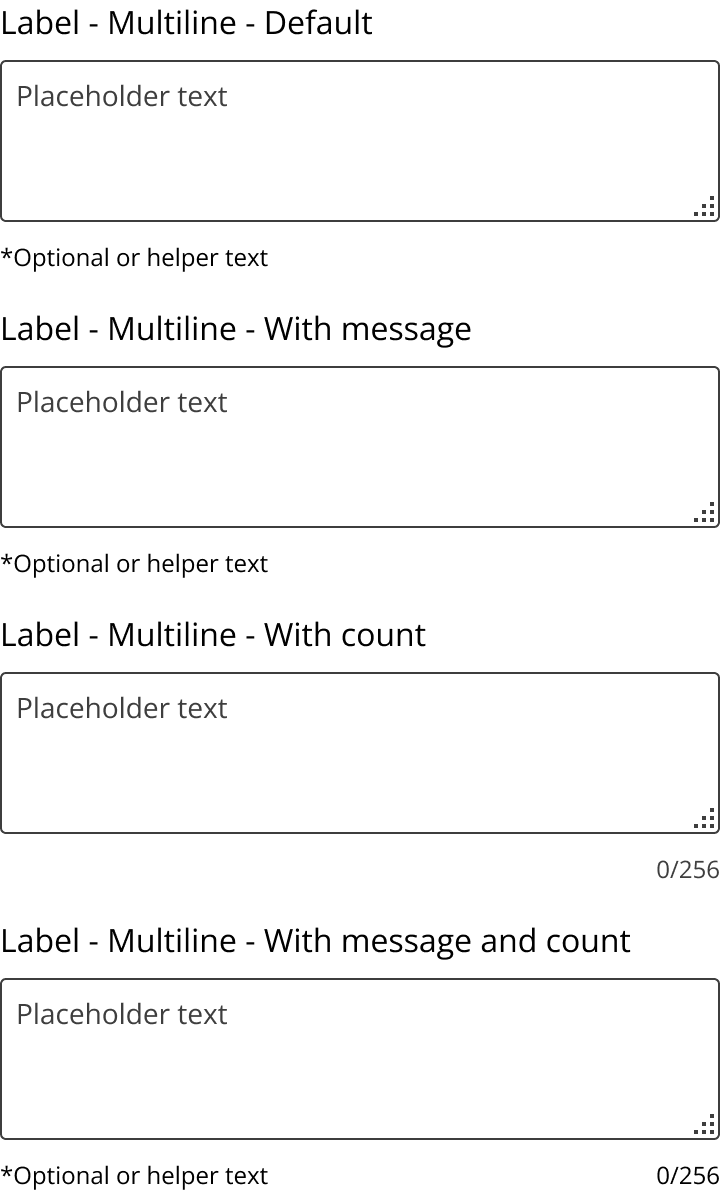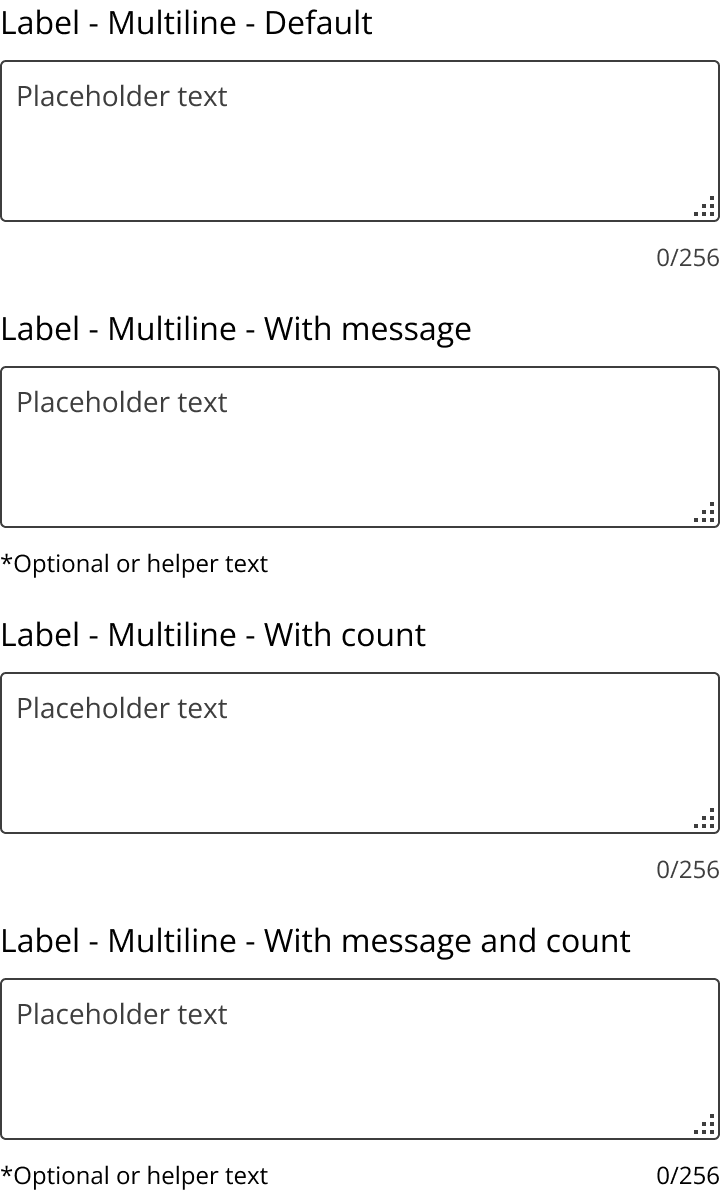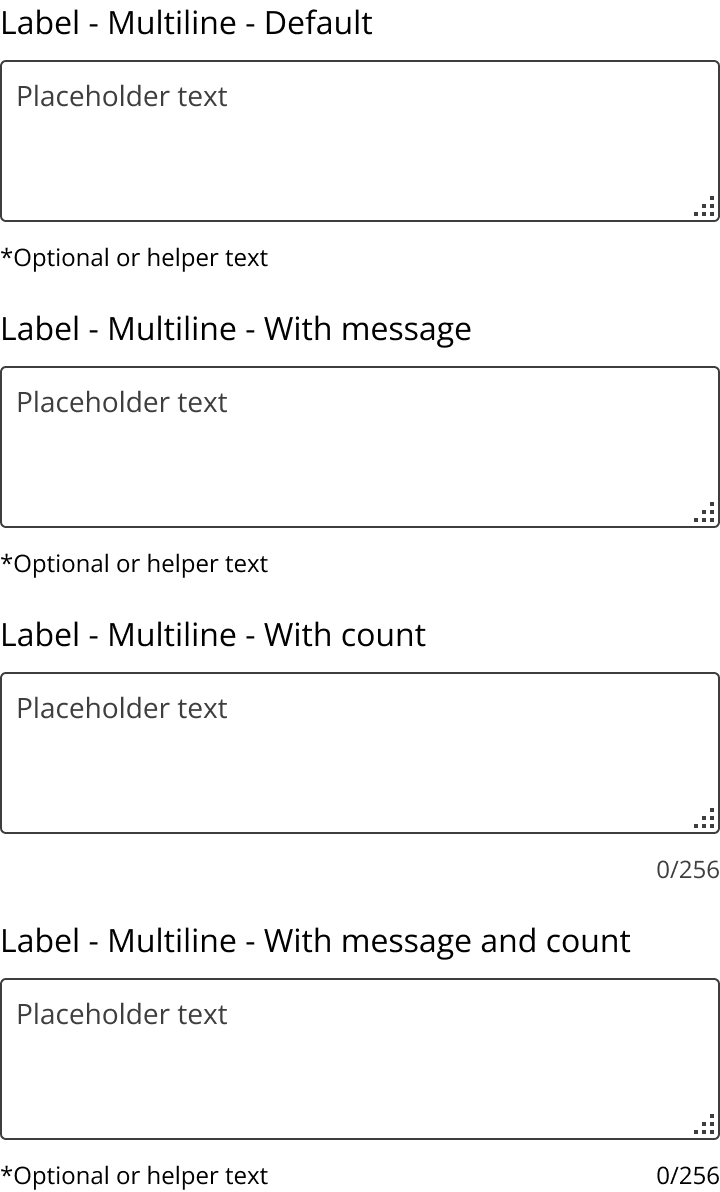
Text area multi-line inputs is an interactive form element that allows the user to capture large amounts of text input.
- Integrate: Embed in forms requiring detailed user input.
- Resize: Allow users to adjust size for better visibility.
- Validate: Implement input validation for data integrity.
- Detailed Input: Ideal for comments, descriptions, or feedback.
- Flexible Length: Use when input length is variable.
- Short Input: Avoid for single-line or brief responses.
- Structured Data: Not suitable for predefined formats.
- Container: Holds the text input area.
- Scrollbar: Appears when content exceeds visible area.
- Placeholder: Optional text guiding user input.
- Responsive: Adjusts to container size and user input.
- Dynamic: Expands or scrolls as text is entered.
- Click/Focus: Activate input area for text entry.
- Type: Enter text directly into the area.
- Resize: Drag to adjust visible area size.
- Aria Attributes: Use aria-label or aria-labelledby for screen readers.
- Focus Indicator: Ensure visible focus for keyboard navigation.
- Contrast: Maintain high contrast for readability.
- Input Field: Use for single-line text input.
- Checkboxes: Consider for binary choices.
- Radio Buttons: Use for selecting one option among many.