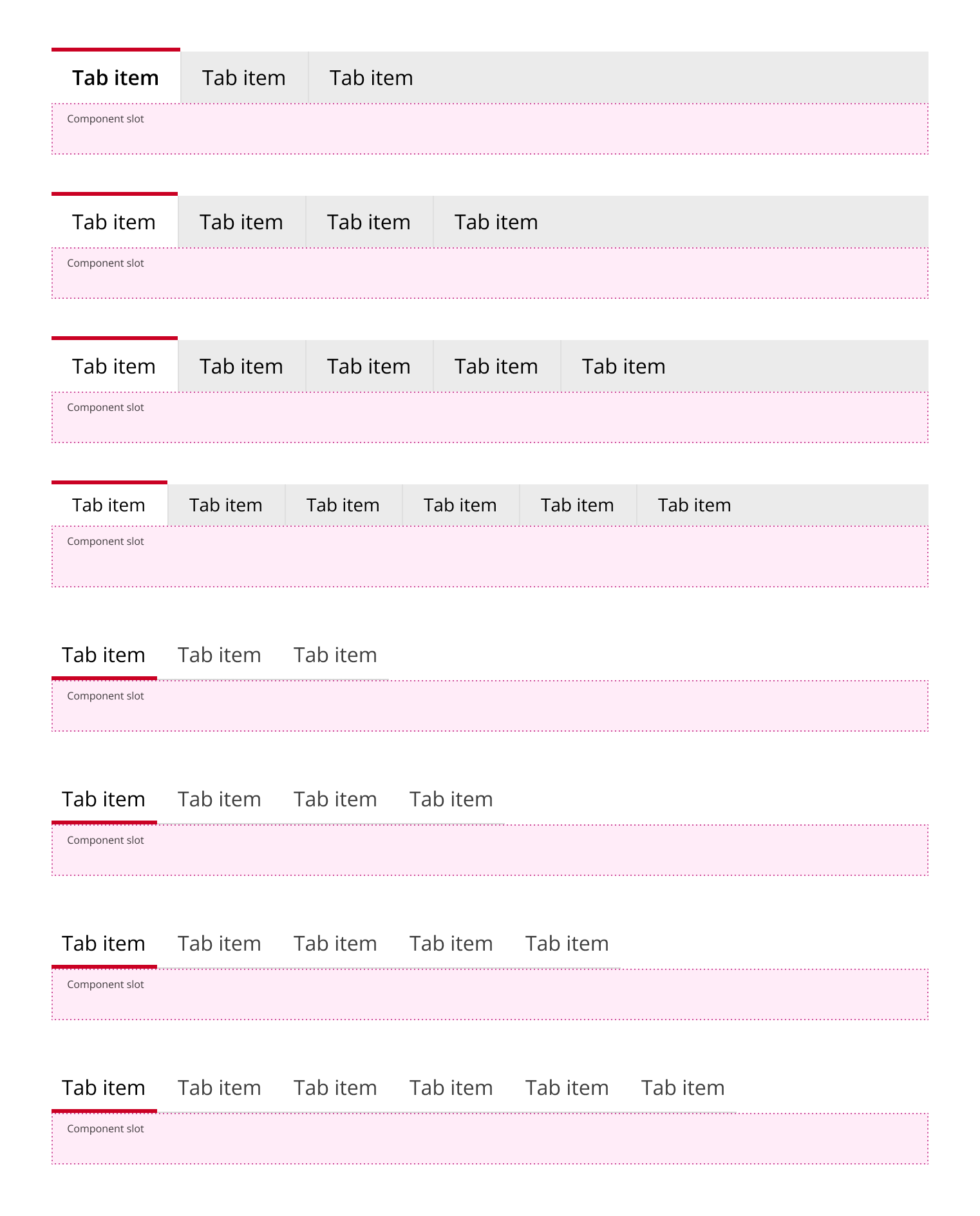
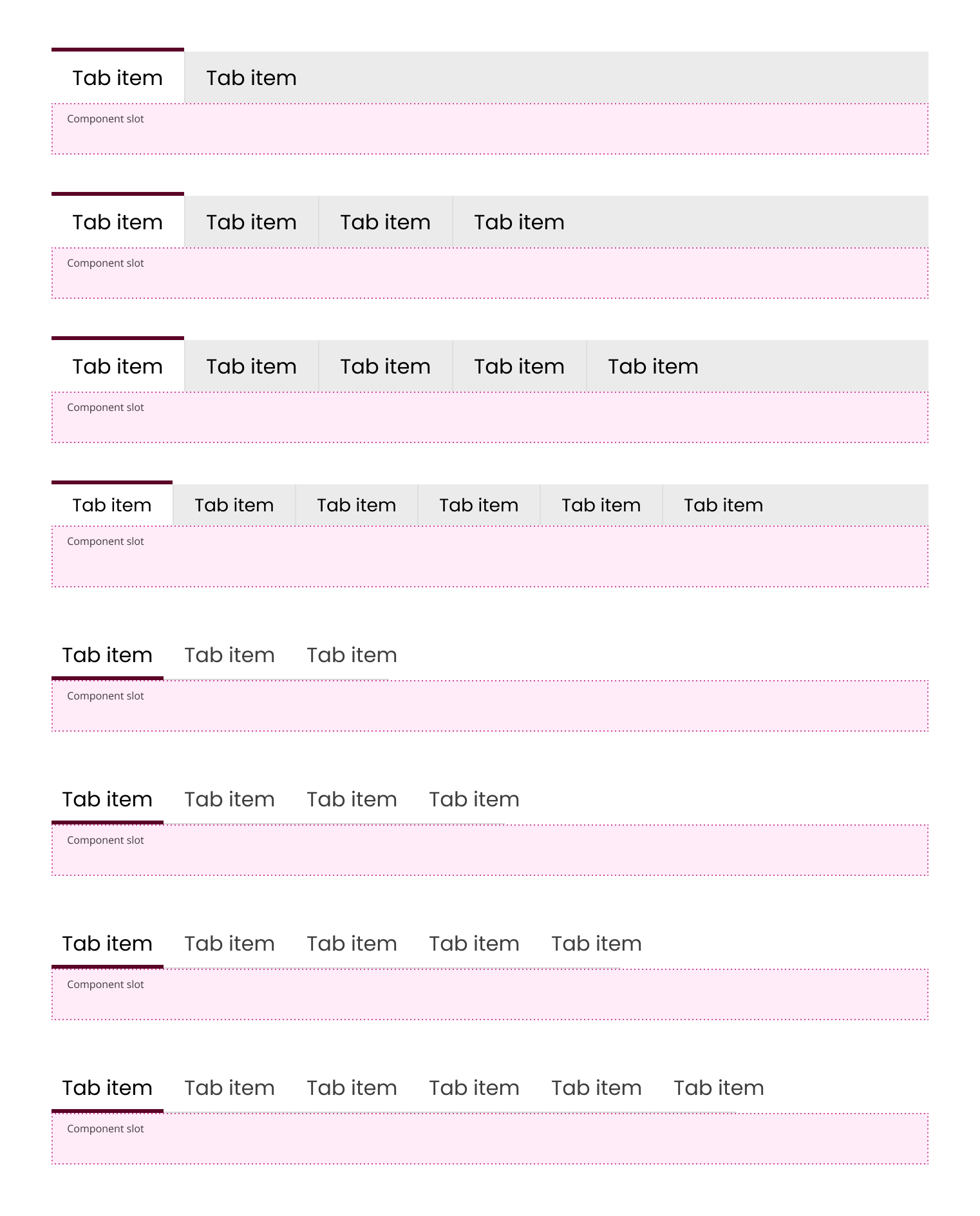
Navigate between related sections of content

Tabs represent different views of a page. They allow the user to easily jump between them.
- Implement at least two tabs to avoid overwhelming users.
- Use descriptive labels; limit to two words per tab.
- Prioritize important screens by order and alignment.
- Display multiple sections within a single page.
- Organize content into distinct categories.
- Avoid if content is too lengthy for tabbed navigation.
- Not suitable for single-view pages.
- Content: Limit to two words per tab.
- Labels: Descriptive, not questions or calls to action.
- Triggers/Events: Activate view on tab click; deactivate previous tab.
- Loading: Show loading spinner until content is fully loaded.
- Keyboard Navigation:
- Right arrow: Select next tab.
- Left arrow: Select previous tab.
- Esc: Exit focus.
- Responsive Design: Display all content on smaller devices if tabs present issues.
- Use ARIA tab roles for better accessibility.
- Ensure keyboard navigation is intuitive and functional.
- Accordions
- Navigation Bars
- By following these guidelines, developers can effectively implement tabs to enhance user experience and accessibility.