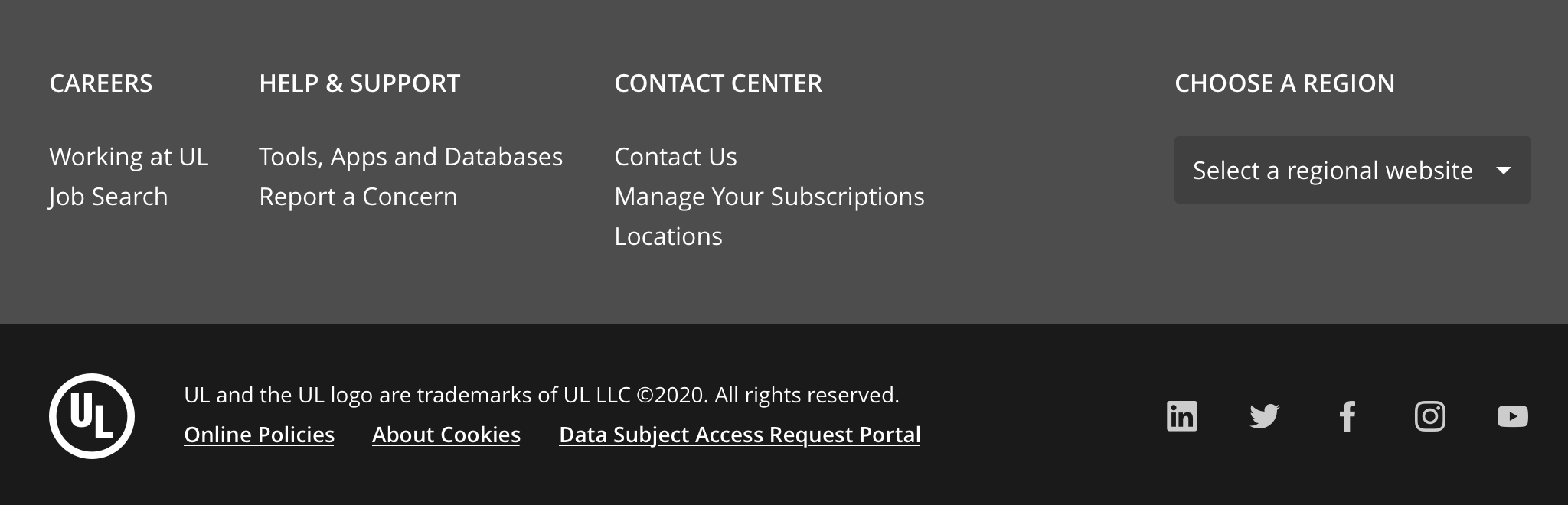
Secondary utilities and legal statements at the end of a page.
A footer provides supplementary information for a user that has reached the bottom of the page.
Use the footer at the bottom of every page of your site or app. Curate your footer carefully. Footer content should point to popular content that might answer a visitor's remaining questions, promote other UL products/services, or provide information such as help and contact information.
Full
A -full footer component is recommended to be used on public-facing enterprise sites such as marketing landing pages or free-to-use applications.
This footer can include information such as:
- Site map
- Contact link or information
- Address, map, or directions
- Phone numbers
- Mission or values
- Branding
- Secondary navigation
- Social media icons
- Email signup or calls to action
- Login link
- Language or site switcher
- Awards or certifications
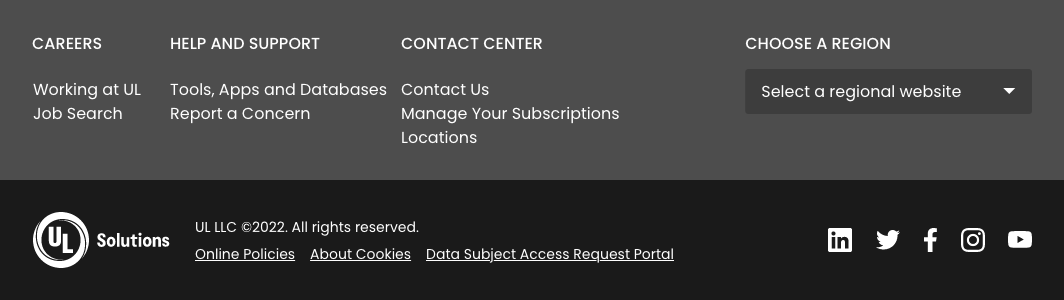
Simple
A -simple footer is recommended to be used inside applications that do not require secondary utilities but do require displaying copyright information and providing a link to legal statements.
This footer can include information such as:
- Copyright information (required)
- Links to online policies (required)
- Social media links
- Branding

Internal links should always be opened in the same tab.
External links and icon links should always open in a new tab.
If a footer logo is included, this should link back to the home or starting page of the site/app on the same tab.
Tooltips should always be included for any link that does not otherwise state its intent with text.
- Footer uses HTML
<footer>element internally which is an HTML sectioning element that by default defines ARIA landmark with the rolecontentinfo. - Because of the above reason, the footer should never be wrapped inside another
<footer>element. - Include
<nav>for any secondary navigation included in the footer and implement proper tab focus from link to link in the navigation. - Changing or modifying the background color of the footer is not recommended as this may affect its accessibility.
The proper use of the layout grid should ensure correct display on all responsive breakpoints.
Please refer to the style section for the correct mobile and tablet alignment.
We would like to get your feedback. Tell us how you use this component in your projects and how we can improve it.