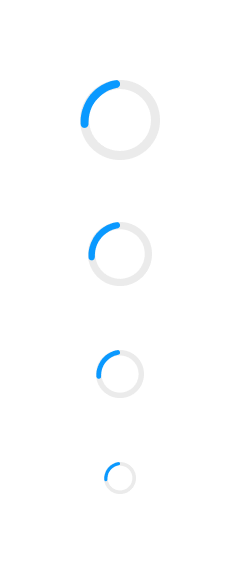
If loading or processing is going to take a few seconds reassure the user that it will complete soon.
When some content takes a few seconds to load, or a function takes a few seconds to complete it helps to provide the user with some feedback that this will take a short time, without disrupting their flow.
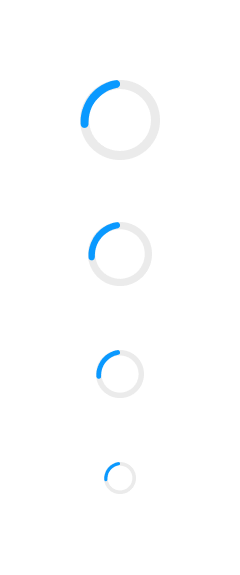
A Spinner indicates loading or processing states. It enhances the user experience by providing visual feedback of ongoing operations, or that this operation will take a short time, without disrupting their workflow.
- Implement within forms, buttons, or pages.
- Use concise animations to convey activity.
- Apply consistent size and style across the application.
- Use in asynchronous operations to indicate loading.
- Apply when waiting time is expected for data retrieval.
- Use to improve perceived performance.
- Avoid in synchronous operations with immediate results.
- Do not use if the operation is too quick to notice.
- Avoid if it causes distraction or clutter.
- Spinner: Central element indicating activity.
- Animation: Continuous motion to show processing.
- Spin continuously during loading.
- Stop spinning when the process is complete.
- Non-interactive; purely for visual feedback.
- Ensure it does not block user interactions.
- Provide ARIA role
statusfor screen readers. - Announce loading status changes to users.
- Ensure spinner is distinguishable from the background.
- Progress Bar: For showing progress of a task.
- Lozenge: For displaying status or metadata.